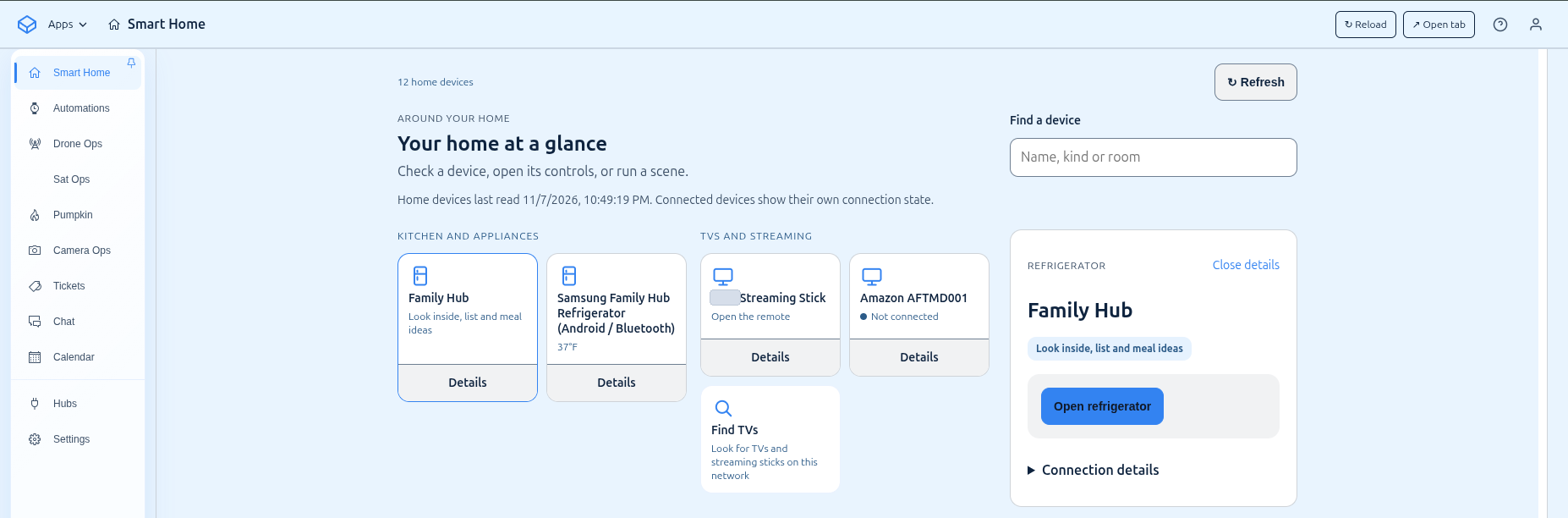
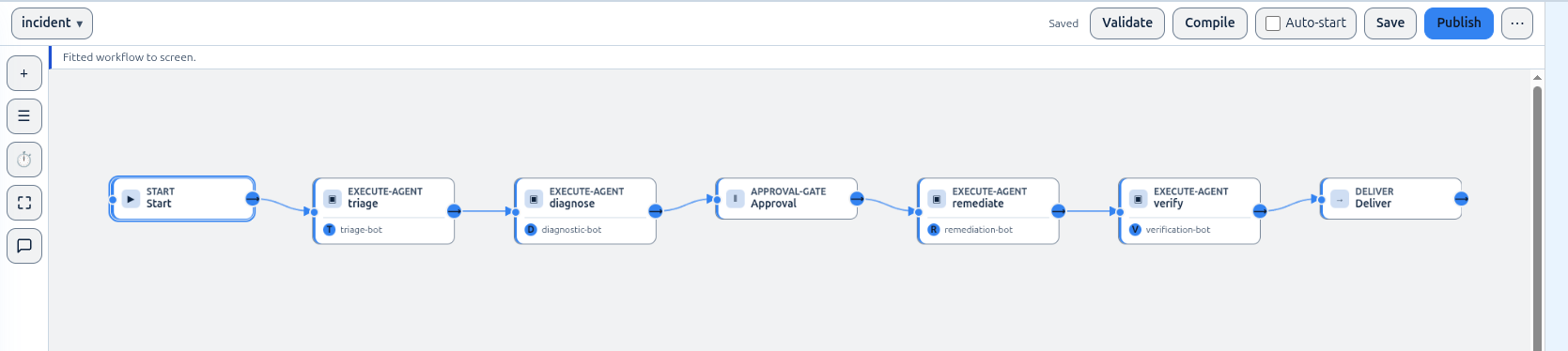
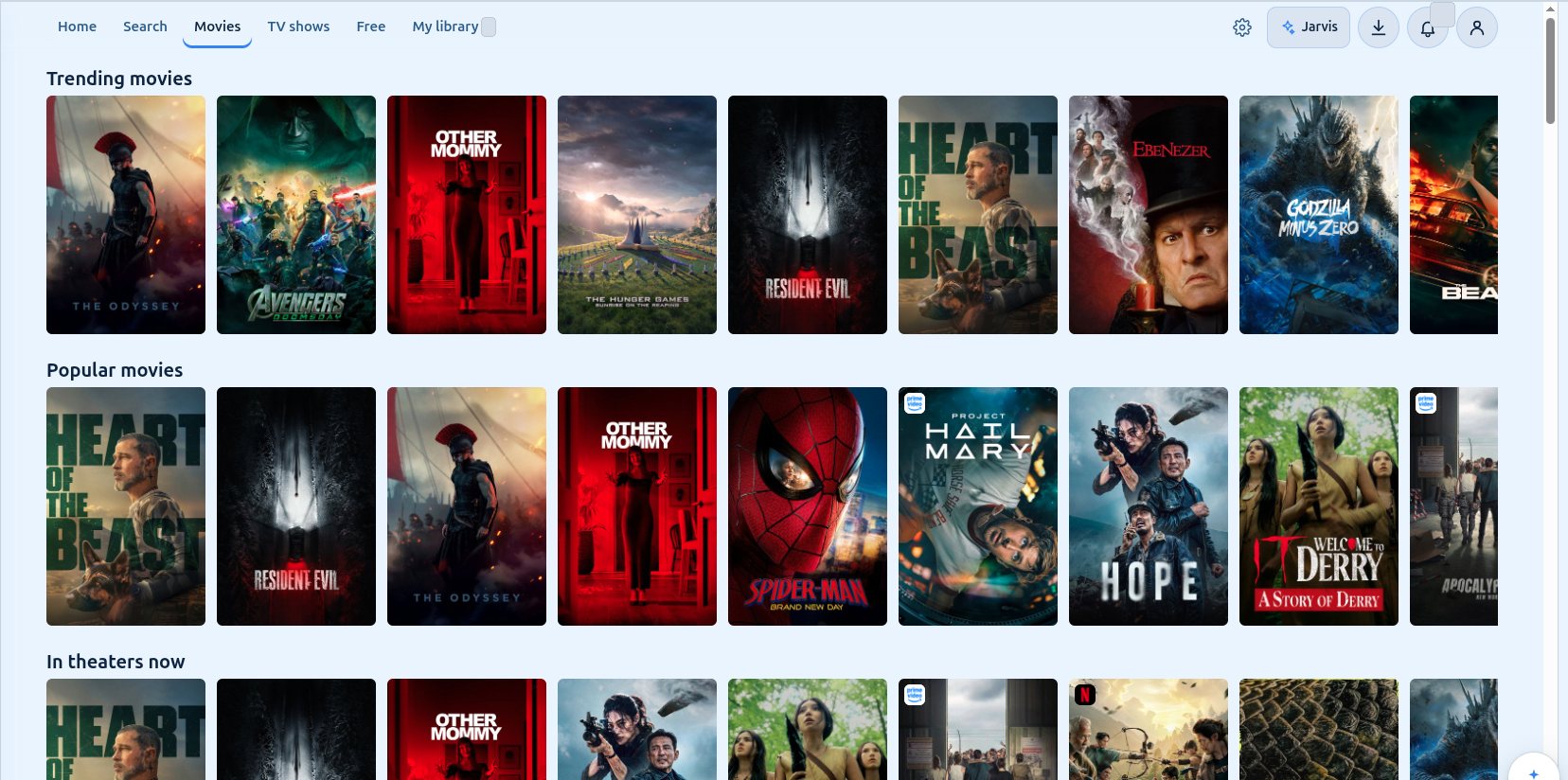
The document, the editor and the conversation can stay together. Write, build a deck, shape an image or arrange a scene, with direct controls and the application’s supported AI tools beside you.
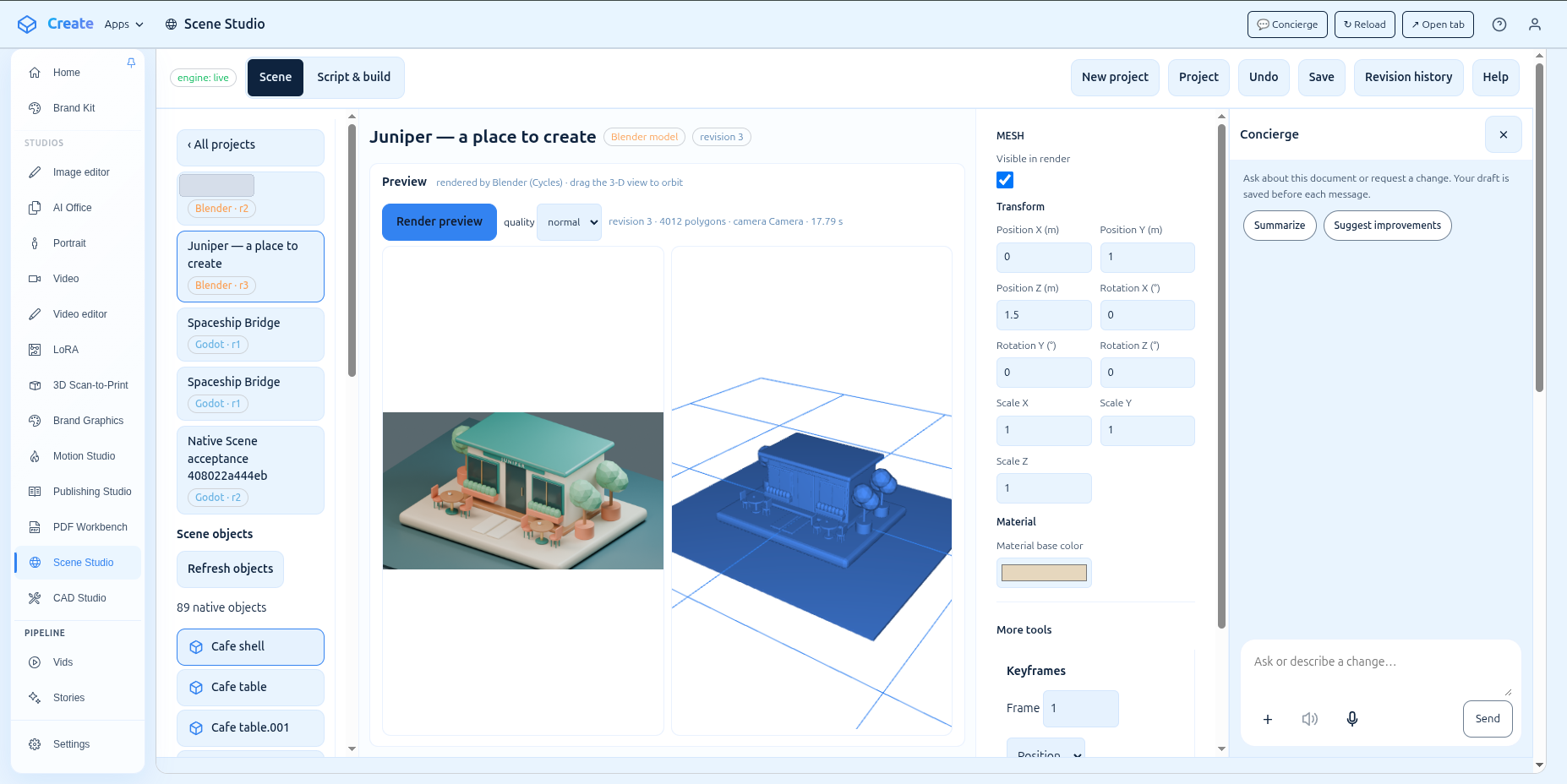
Scene Studio · the saved Blender project Juniper open, with its Concierge beside itOpen full screen ↗
01
Work on documents, slides and workbooks in AI Office.
02
Move into dedicated image, video, PDF, publishing and 3D studios.
03
Use Orbit to bring supported desktop programs into the same conversation.
Idea → Editable work → Assistant or direct edit → Review & export
Capabilities and exports vary by editor and installed engine. Proposed changes and generated candidates retain their application’s review controls.
Look inside
The details make it useful.
01
Continue the work you already started.
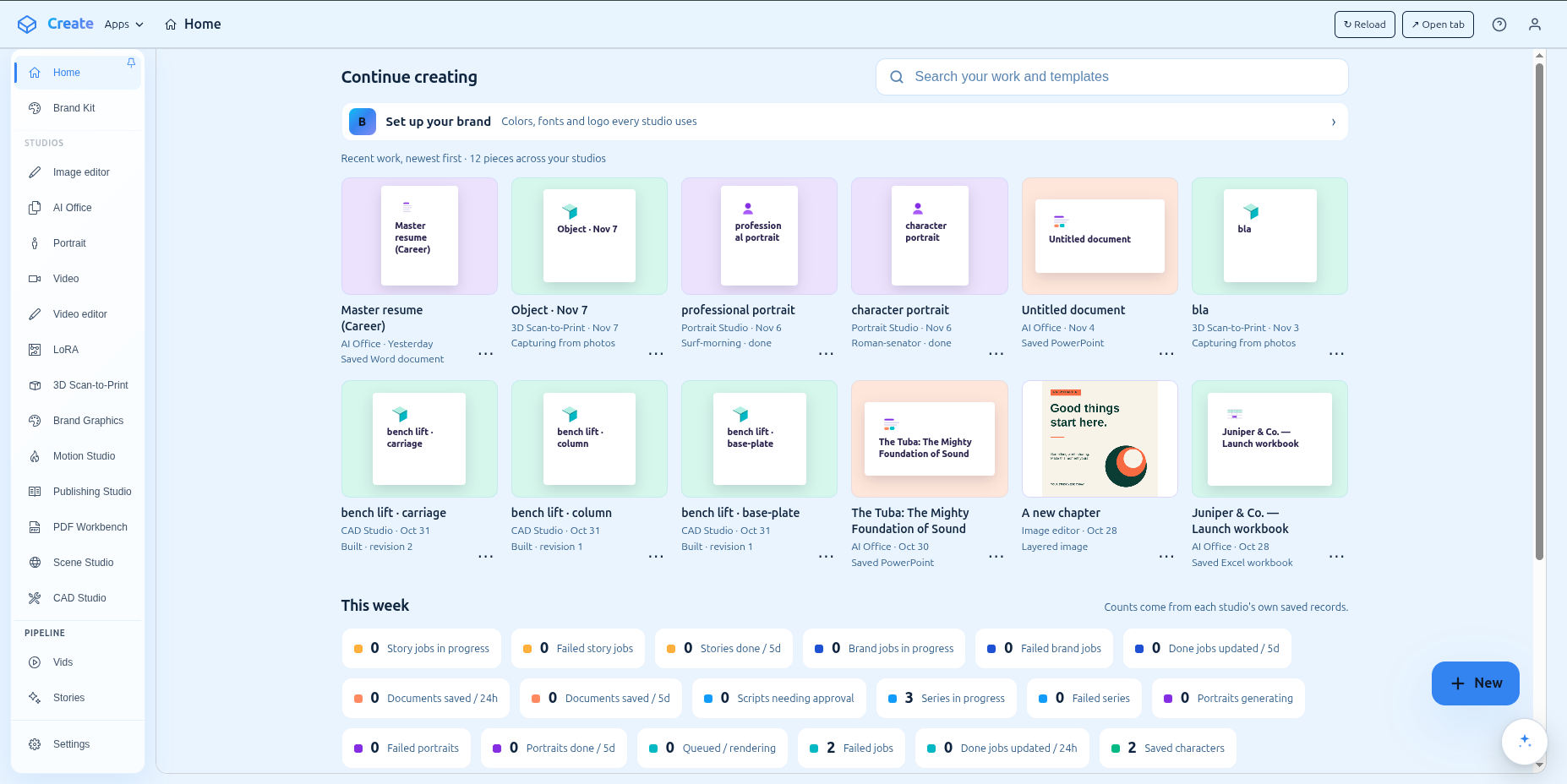
Create brings saved work from its studios into a searchable home. Start from a blank image, document, deck, spreadsheet or video, choose a template, or import a file into the editor that owns its format.
02
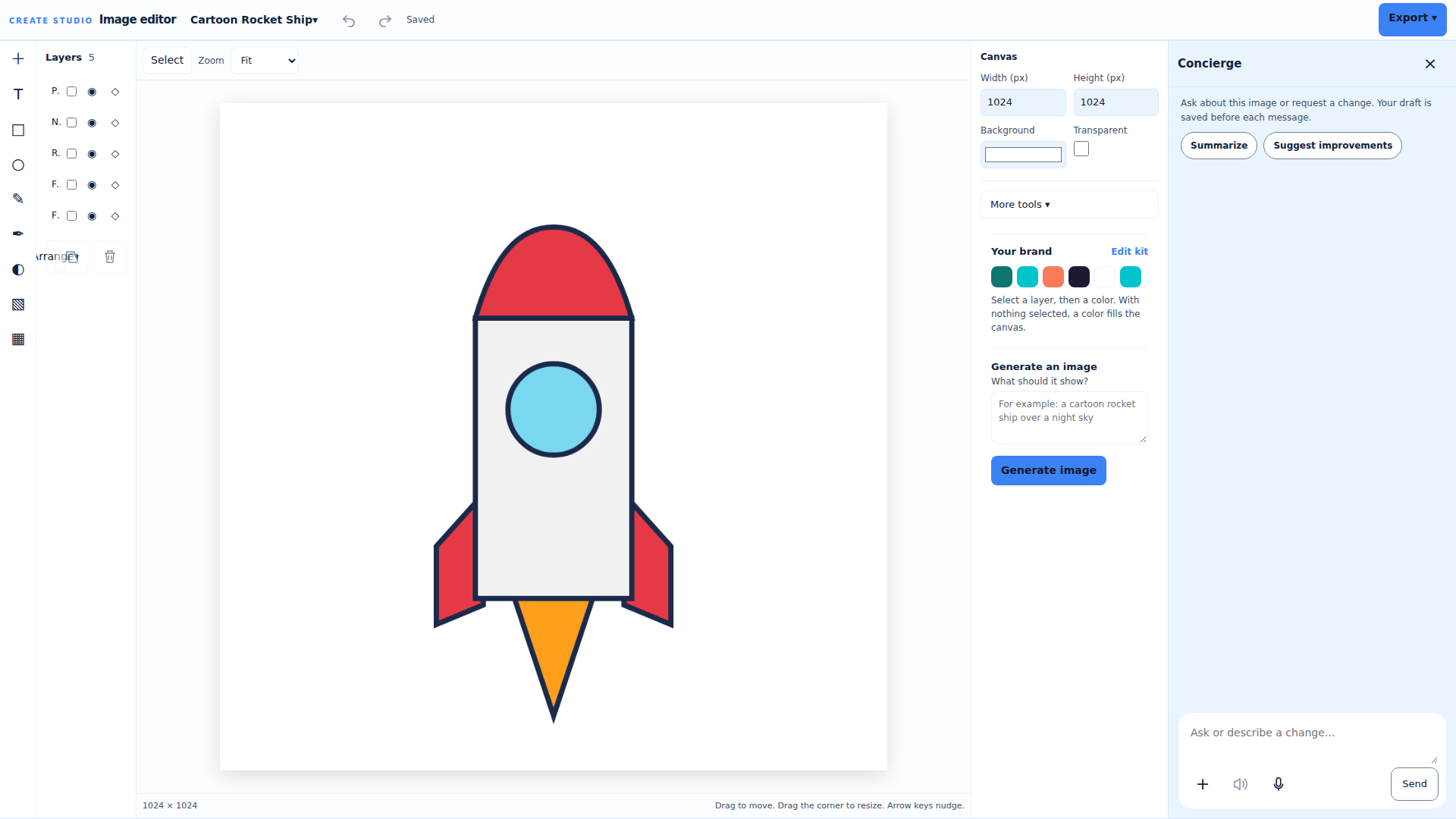
Keep the image editable.
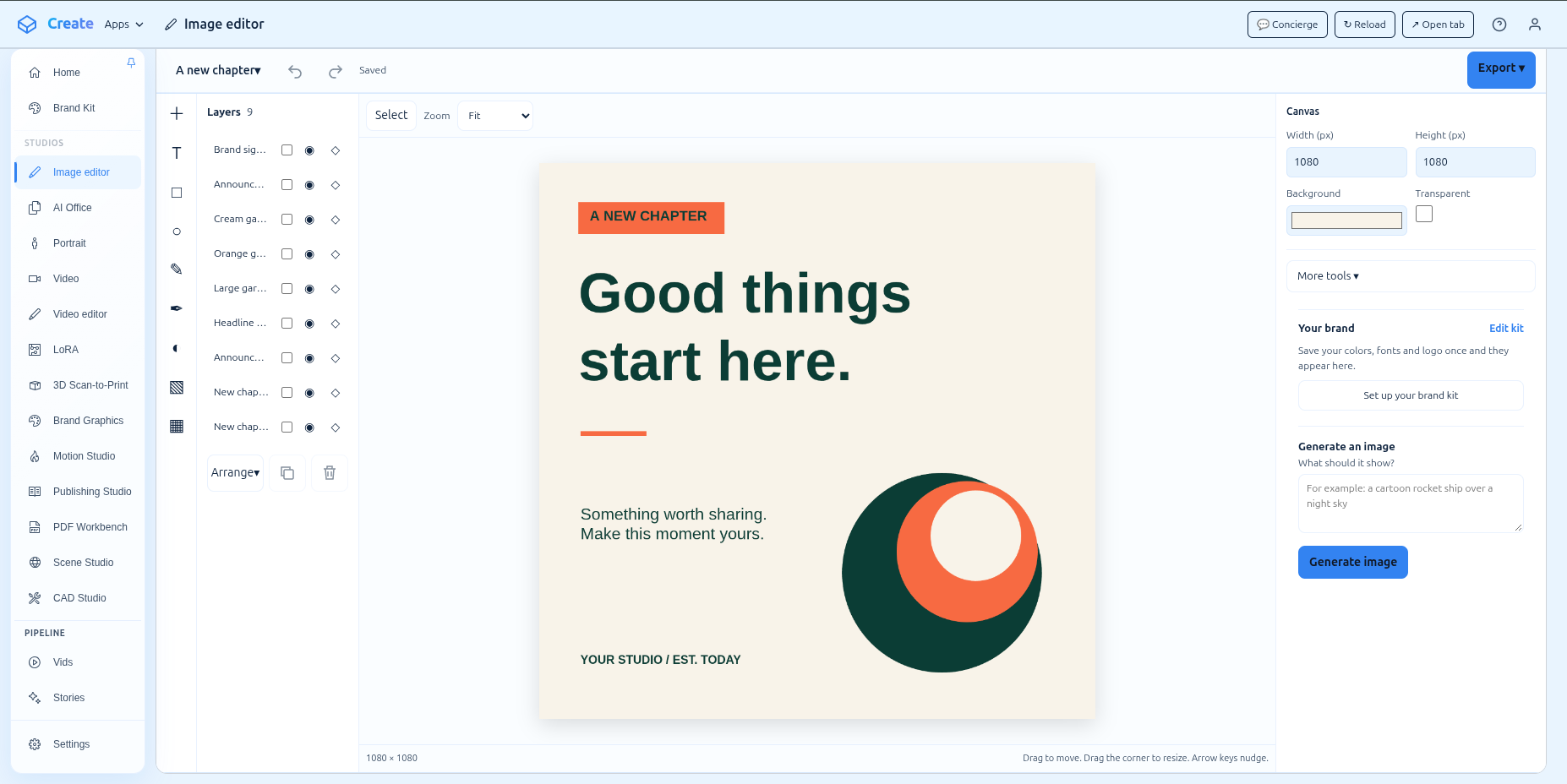
Build with image, text, shape and vector layers. Arrange and group elements, adjust masks and filters, use a brand kit, save revisions and export the result. Supported image-generation and region-edit tools depend on the configured service.
03
Work in the document together.
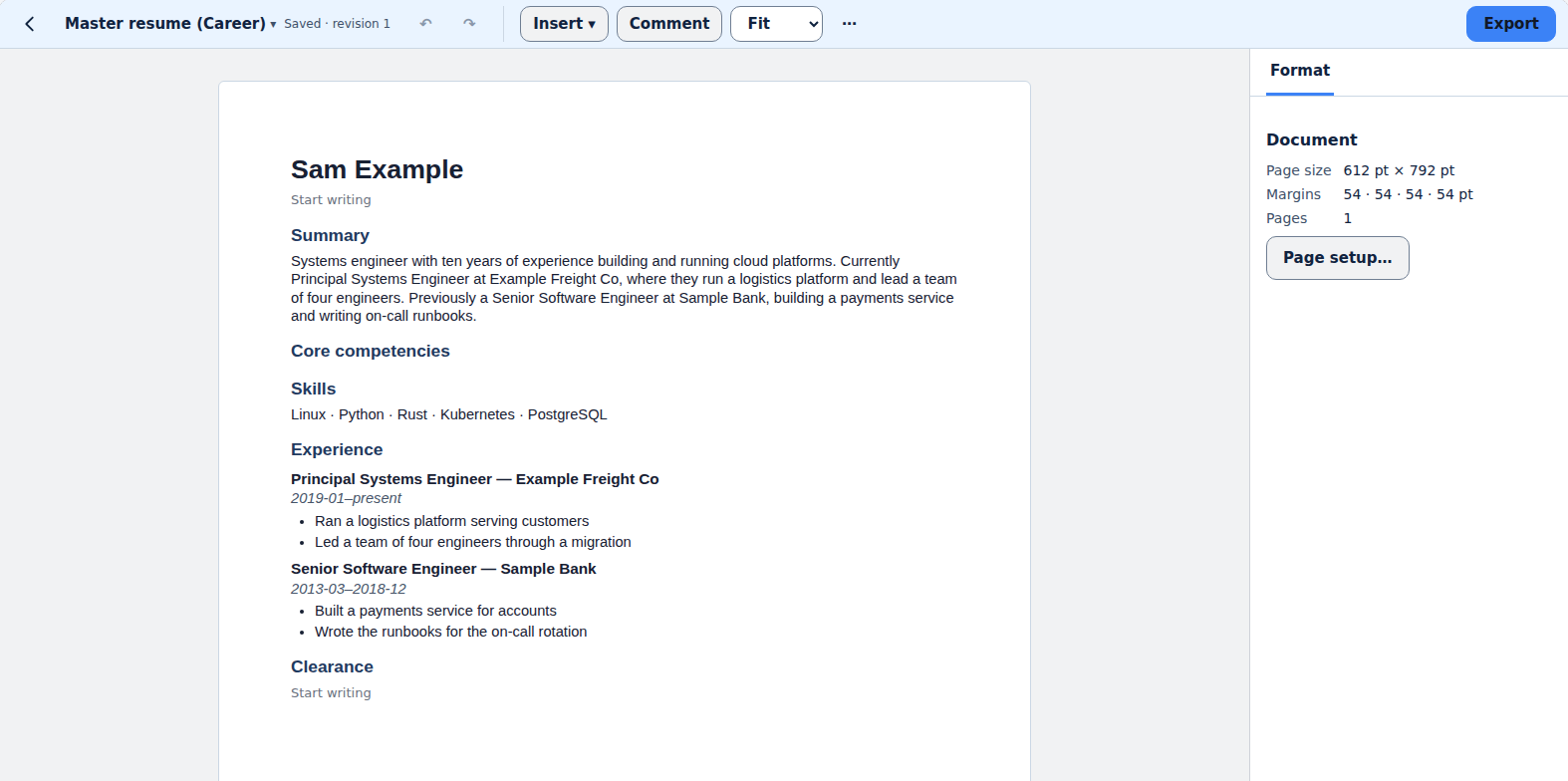
AI Office keeps documents, presentations and workbooks editable. The assistant receives the saved document and its revision, proposes supported changes and brings accepted edits back into the same editor.
04
Choose the studio for the job.
PDF Workbench, Publishing Studio, Video Studio, Motion Studio, audio, portraits, 3D scenes and CAD have their own workspaces. Each keeps its own saved work, available tools and export formats.
Image editor · the saved project A new chapter, nine layersOpen full screen ↗Create · Home: recent work across the studiosOpen full screen ↗AI Office · the editor with an example résumé (fictional)Open full screen ↗Image editor · the Concierge beside saved example artworkOpen full screen ↗
The pieces work together
A request can start anywhere. The work can happen elsewhere.
Your phone does not need to run the desktop program. Your browser does not need to hold every tool. The swarm connects the right application or device to each step.
Ask from your phone, a browser or a Moon beside a document. The conversation starts with the work you have in view.
Jarvis can hand a step to an application’s concierge or delegate it to an agent on one of your enrolled devices.
Orbit reaches a bound desktop program or connected browser. A document can be edited in its own application while you are elsewhere.
Return to the conversation, inspect the changes and approve the steps that need you. The work has a record, not just an answer.
Illustration of a supported path. The available steps depend on your connected devices, applications and permissions.
The rest of your day belongs here too
The little details. The bigger picture.
Move between applications without leaving your world behind. Keep the work editable, the assistant nearby and the next step clear.