Bring your schedule, lists, money, learning and leisure together. Reach supported devices and scenes from the same workspace, with the application’s own controls close at hand.
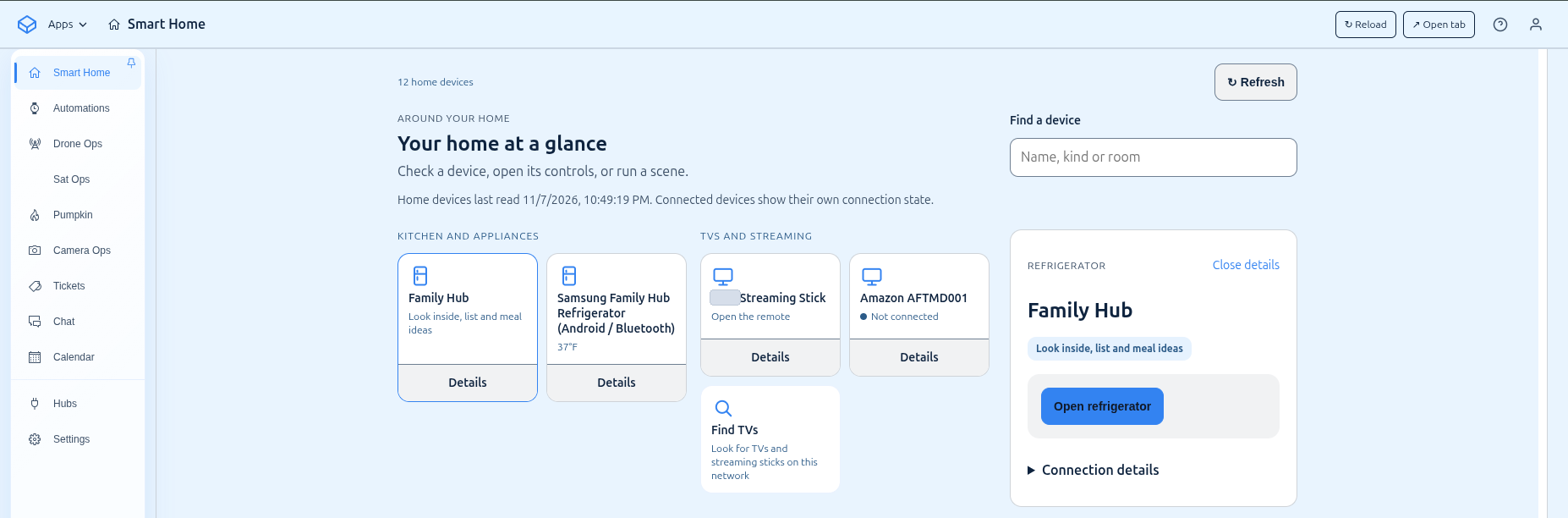
Smart Home · devices by room. A family member’s name is hidden.Open full screen ↗
01
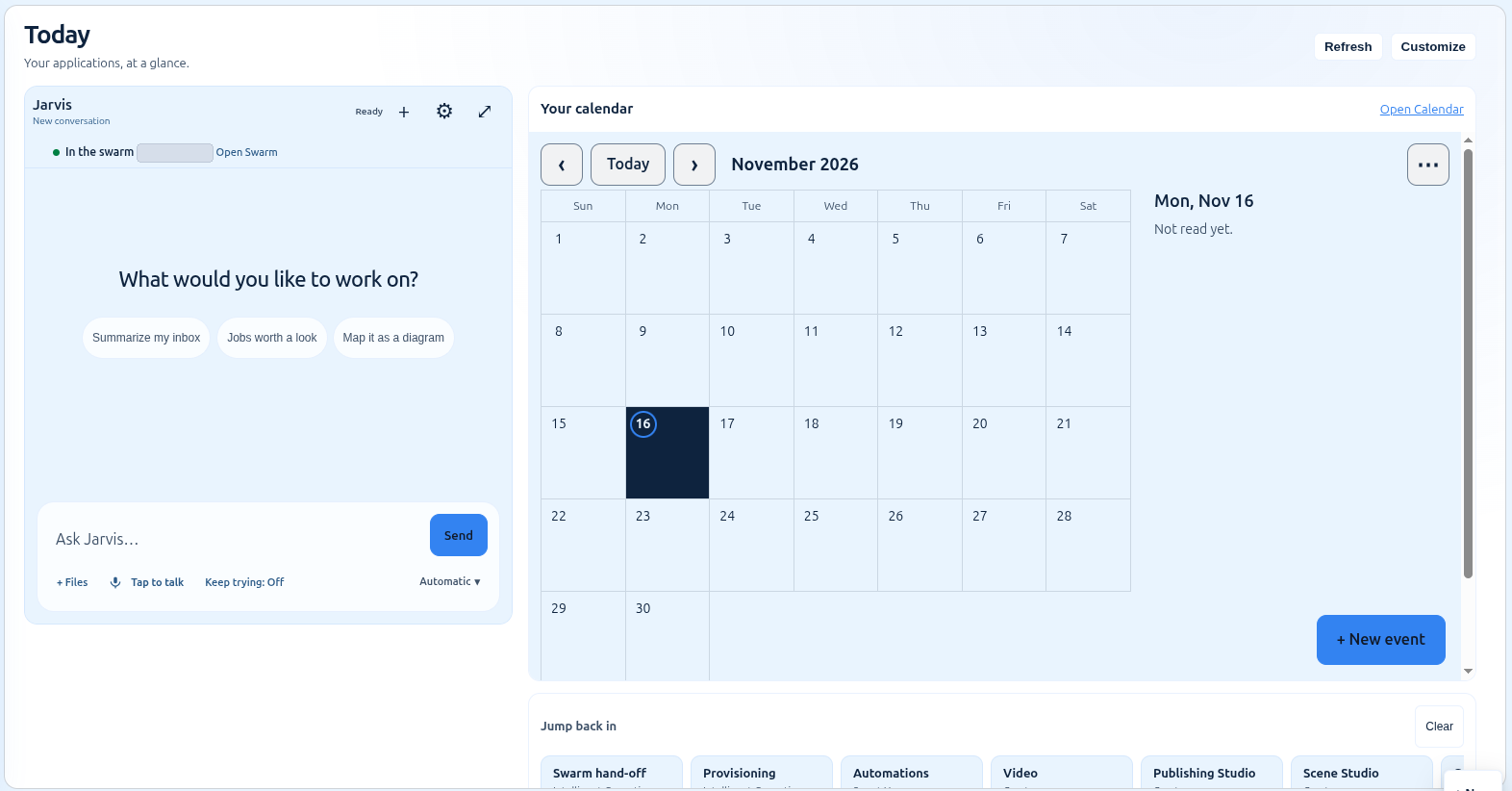
Calendar, lists and your household applications.
02
Learning, money and media in their own workspaces.
03
Connected devices, scenes and supported controls.
Available actions depend on your connected services, applications, devices and permissions.
Look inside
The details make it useful.
01
One place to start the day.
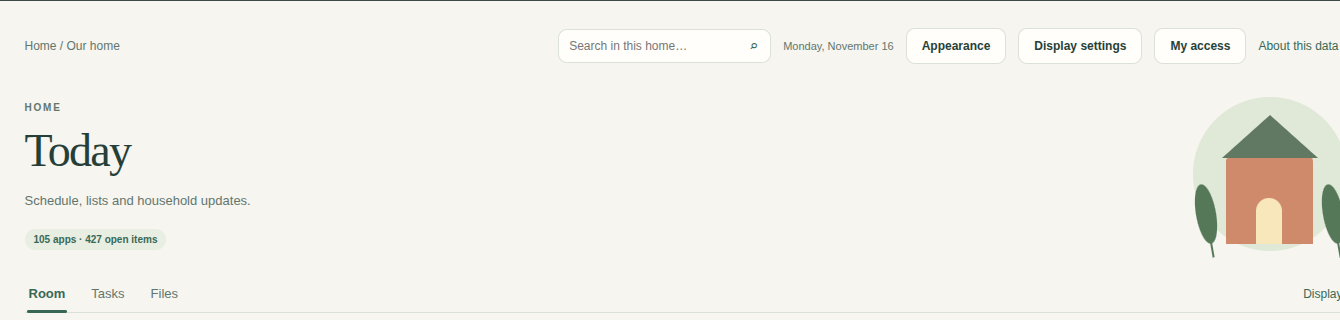
Home brings items needing attention, your schedule, recent work and household applications together. Move into money, learning, shopping, media or Office with their own records and controls.
02
Find the device, then use its controls.
Search connected devices by name, kind or room and inspect their reported state. Supported devices expose switches, levels, scenes and schedules; reported state and connection availability stay visible.
03
A remote that reaches the right room.
Use a connected computer to discover supported TVs on its network and reach their remote controls. Enrolled phones, tablets and computers bring their own supported actions into your swarm.
04
A list you can carry forward.
Lists keeps quantities, notes, due dates and completed items together. The grocery list connects with Shopping and the refrigerator page. Retailer handoffs let you review the items and finish checkout yourself.
05
Make space for the evening.
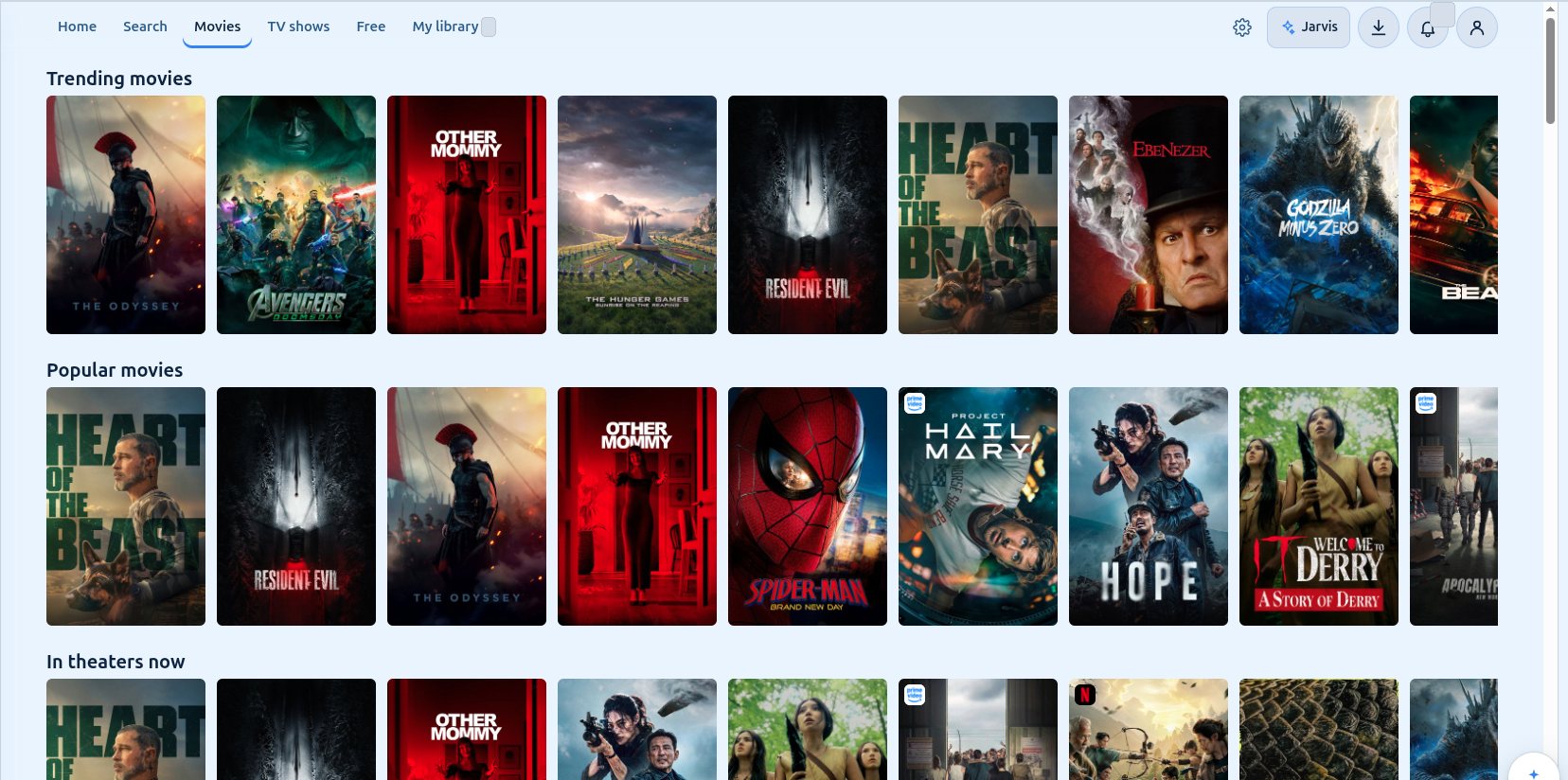
Explore Movies & TV, music, watchlists and connected playback alongside household planning. Optional Marquee adds a dedicated media-library experience; availability depends on the add-ons and services you install.
A request can start anywhere. The work can happen elsewhere.
Your phone does not need to run the desktop program. Your browser does not need to hold every tool. The swarm connects the right application or device to each step.
Ask from your phone, a browser or a Moon beside a document. The conversation starts with the work you have in view.
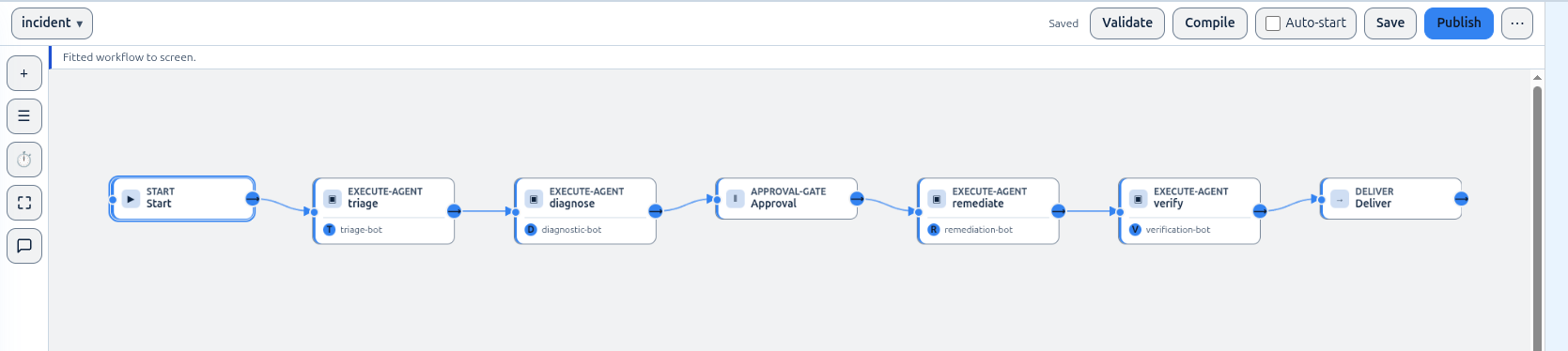
Jarvis can hand a step to an application’s concierge or delegate it to an agent on one of your enrolled devices.
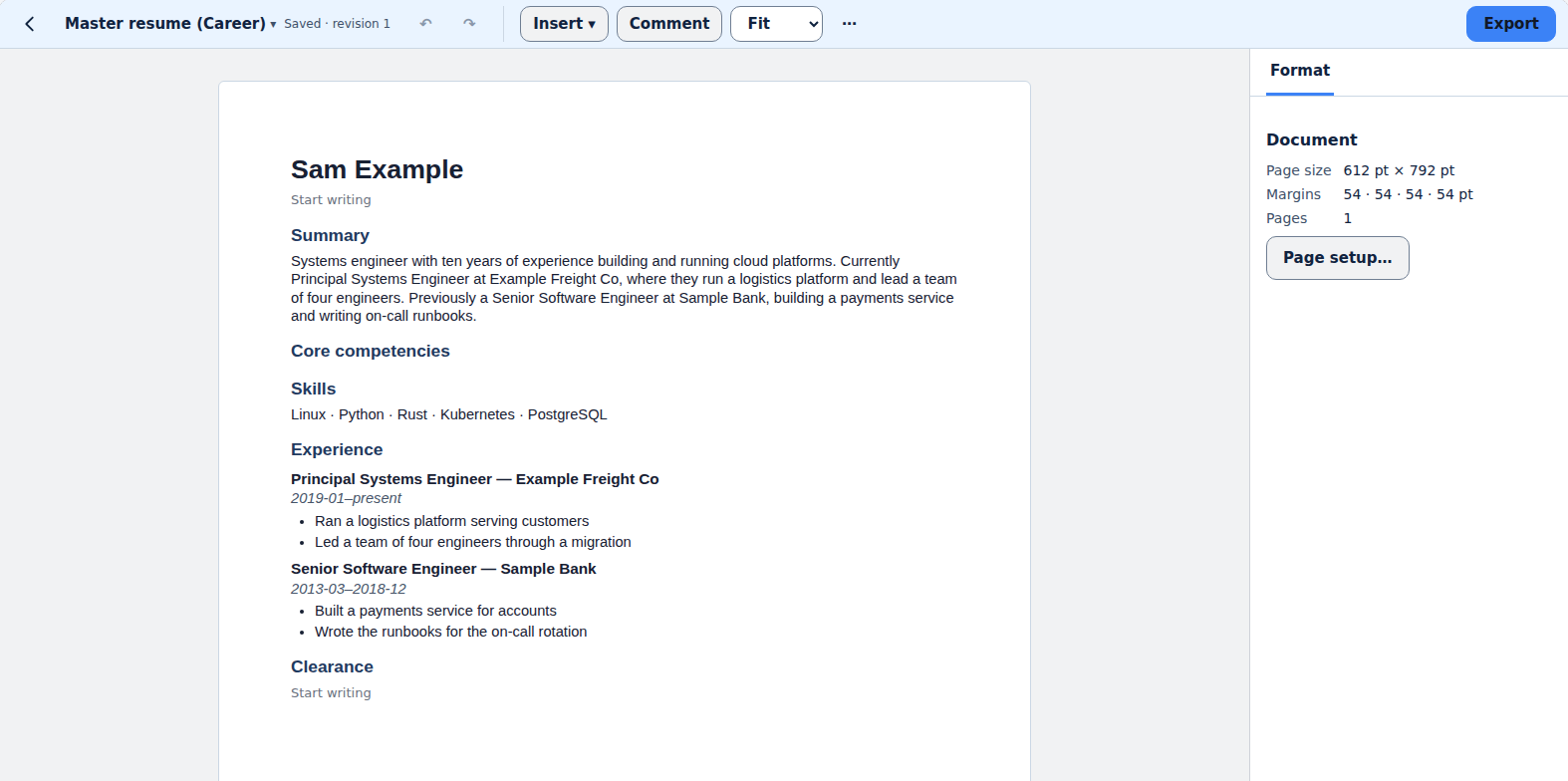
Orbit reaches a bound desktop program or connected browser. A document can be edited in its own application while you are elsewhere.
Return to the conversation, inspect the changes and approve the steps that need you. The work has a record, not just an answer.
Illustration of a supported path. The available steps depend on your connected devices, applications and permissions.
The rest of your day belongs here too
The little details. The bigger picture.
Move between applications without leaving your world behind. Keep the work editable, the assistant nearby and the next step clear.