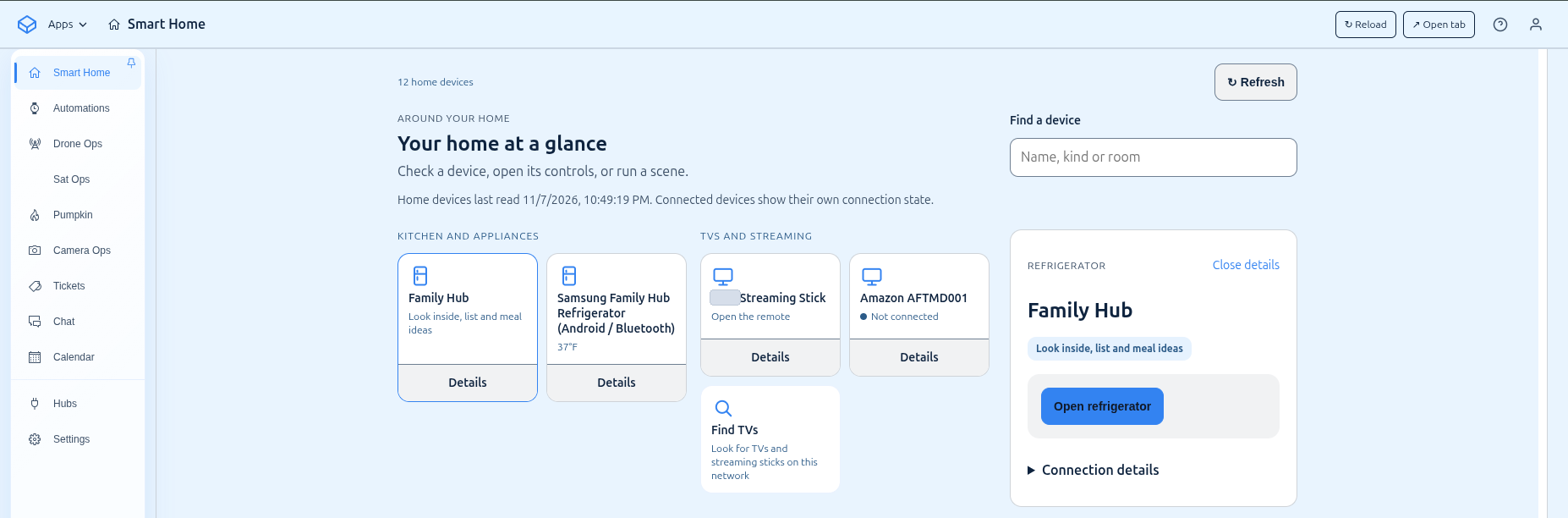
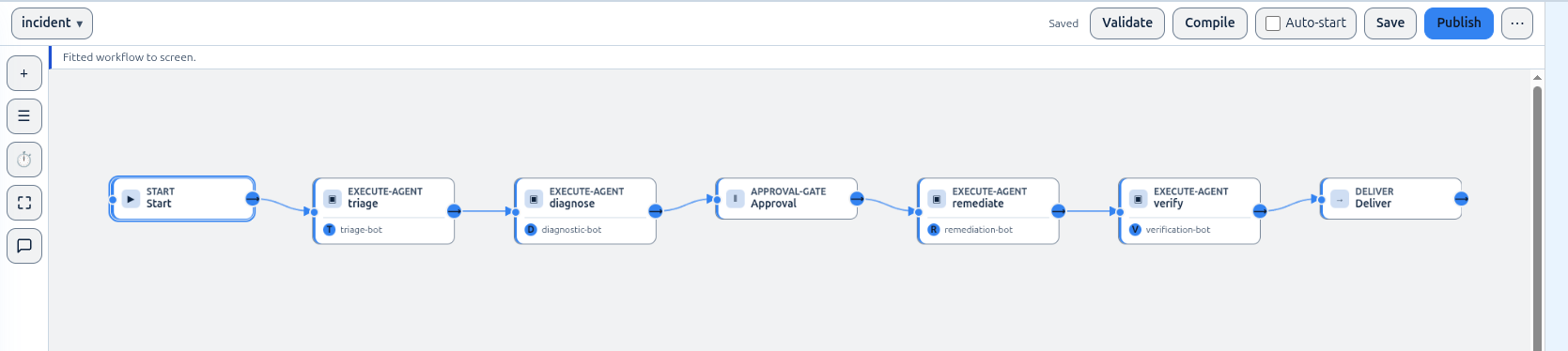
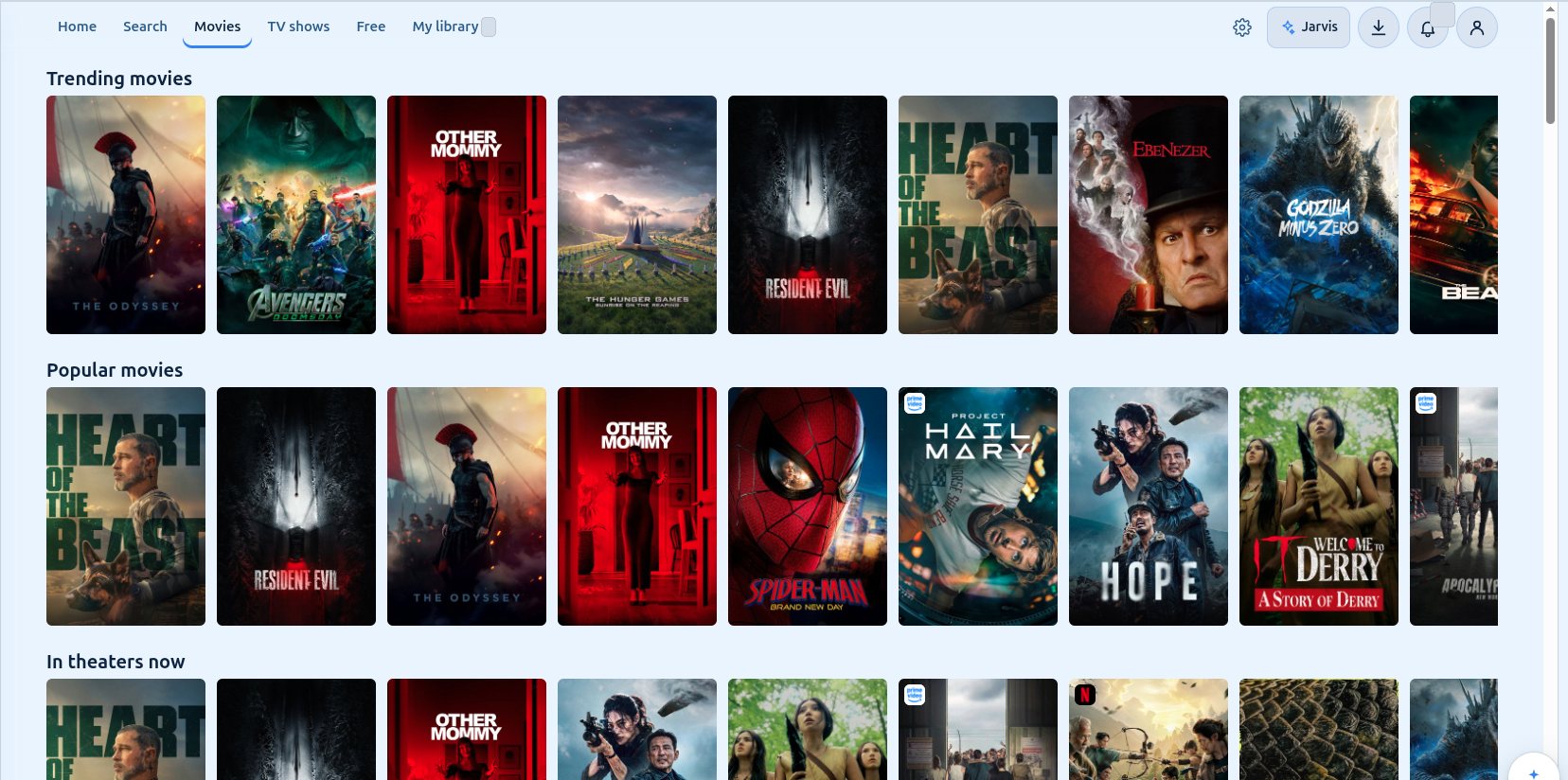
Jarvis coordinates application concierges, the services you connect and agents on your enrolled devices. Bring the files and knowledge you choose into reach of the task.
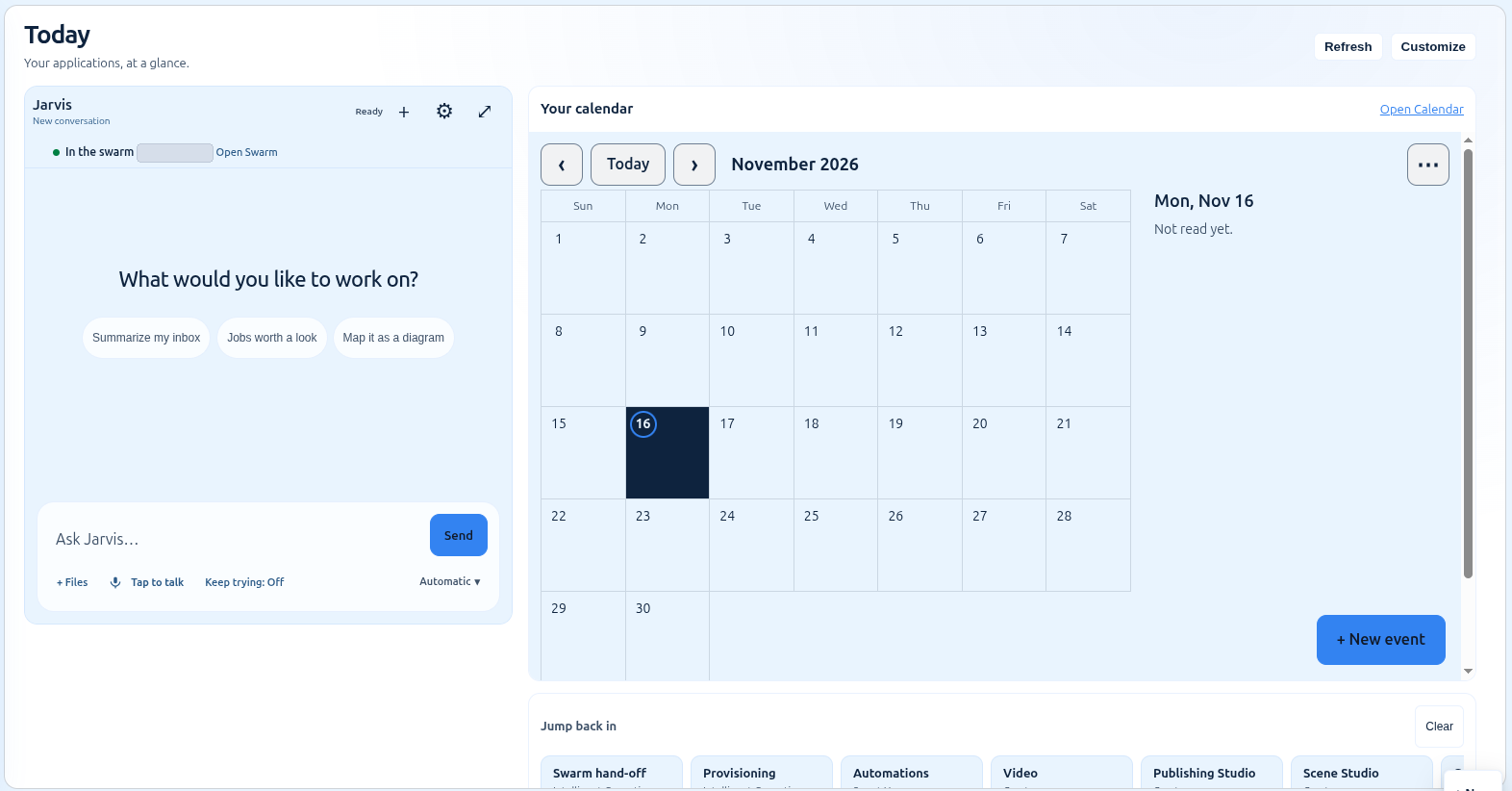
Today · Jarvis beside your calendar and the applications you used lastOpen full screen ↗
01
Connect the services and material you choose.
02
Delegate steps to application or device agents.
03
Inspect the work and review the actions that need you.
Available actions depend on your connected services, applications, devices and permissions.
Look inside
The details make it useful.
01
Start with a conversation.
Ask, attach a file or use voice. Keep separate threads for separate work, and return to their history. Jarvis can use the applications and connections available to your account.
02
See the application while you work.
Open the concierge beside an application and keep its real controls in view. The current screen provides context; app-specific tools let the assistant read records and carry out supported changes with the relevant review.
03
Let specialists carry the next step.
Jarvis can pass work to an application concierge or an agent on an enrolled device. The Finance analyst, study tutor, document assistant and Operations specialists bring different tools to their domains.
04
Keep the work in its own application.
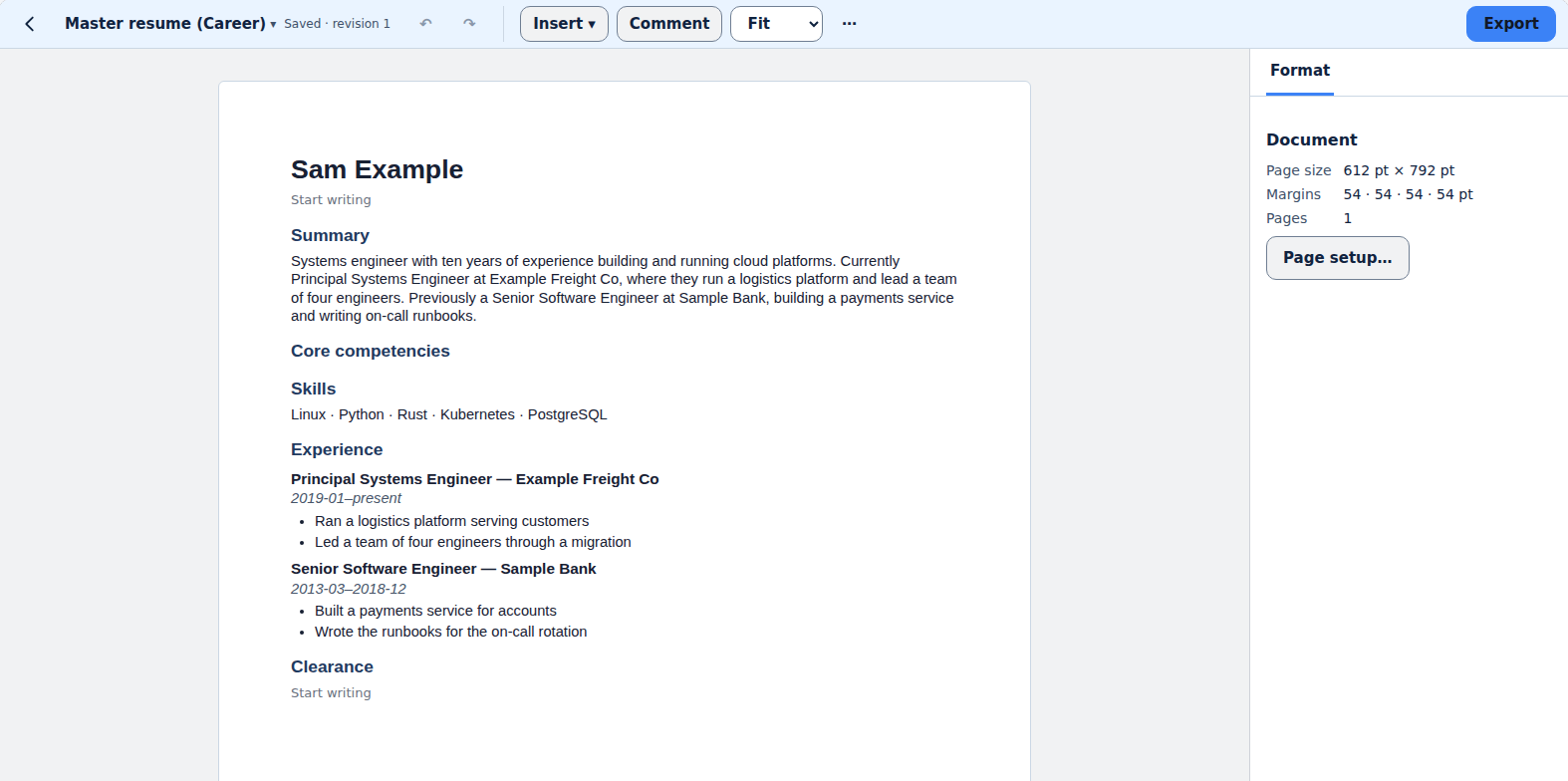
Supported editors save the current draft before handing it to the assistant. Document identity, revision and selection keep proposed edits tied to the work you opened, with approval and change history where supported.
05
Reach beyond the browser.
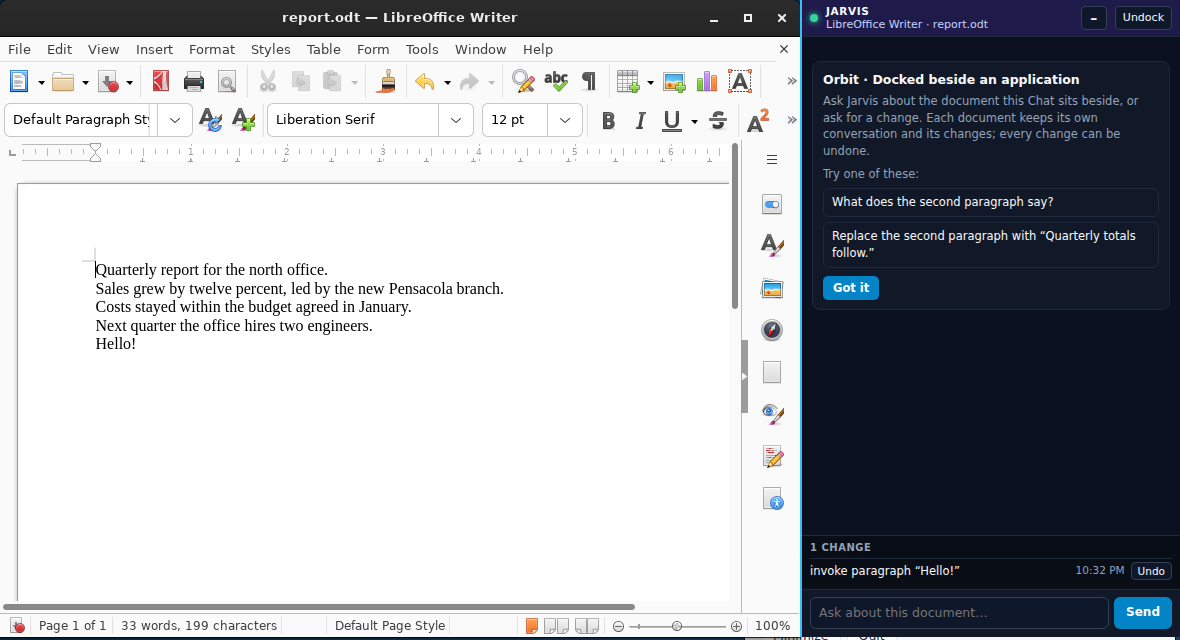
Orbit connects your computers and mobile devices. Moon keeps a conversation beside a bound desktop document; supported application bridges and device controls let work happen where the tools are.
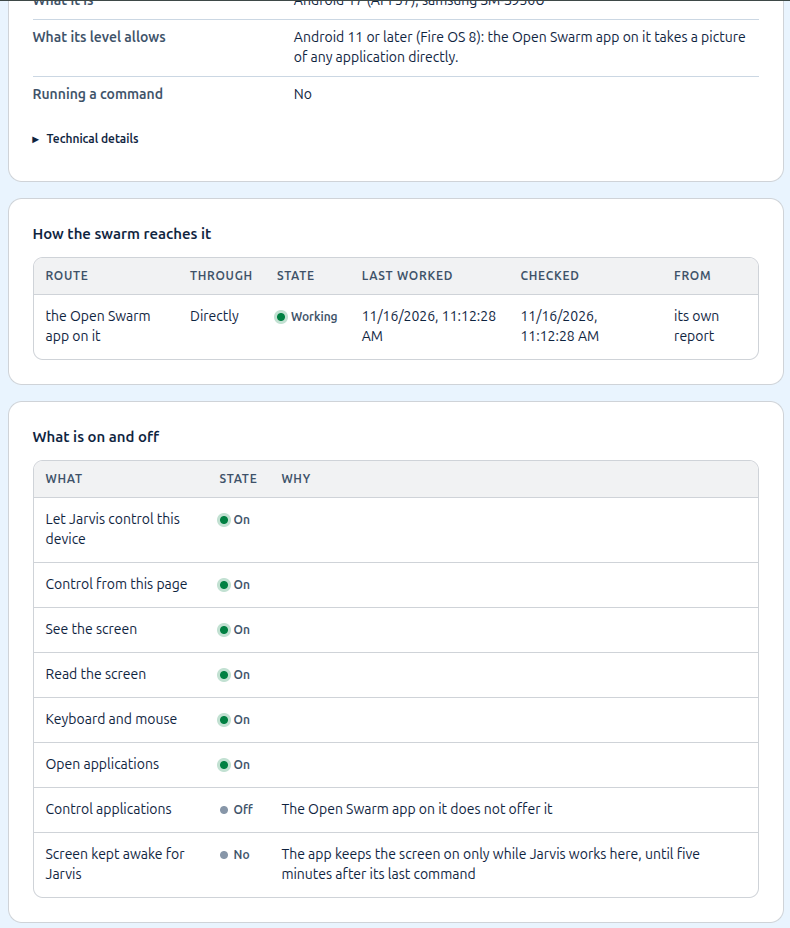
Recorded desktop test · a Moon beside LibreOffice Writer, one change and its UndoOpen full screen ↗An Android phone · reached directly through the Open Swarm app on it; what is on and offOpen full screen ↗
The pieces work together
A request can start anywhere. The work can happen elsewhere.
Your phone does not need to run the desktop program. Your browser does not need to hold every tool. The swarm connects the right application or device to each step.
Ask from your phone, a browser or a Moon beside a document. The conversation starts with the work you have in view.
Jarvis can hand a step to an application’s concierge or delegate it to an agent on one of your enrolled devices.
Orbit reaches a bound desktop program or connected browser. A document can be edited in its own application while you are elsewhere.
Return to the conversation, inspect the changes and approve the steps that need you. The work has a record, not just an answer.
Illustration of a supported path. The available steps depend on your connected devices, applications and permissions.
The rest of your day belongs here too
The little details. The bigger picture.
Move between applications without leaving your world behind. Keep the work editable, the assistant nearby and the next step clear.