Discover something to watch, find the services that carry it and keep your household’s libraries together. Marquee brings its own look, tools and connected-device handoffs into the wider platform.
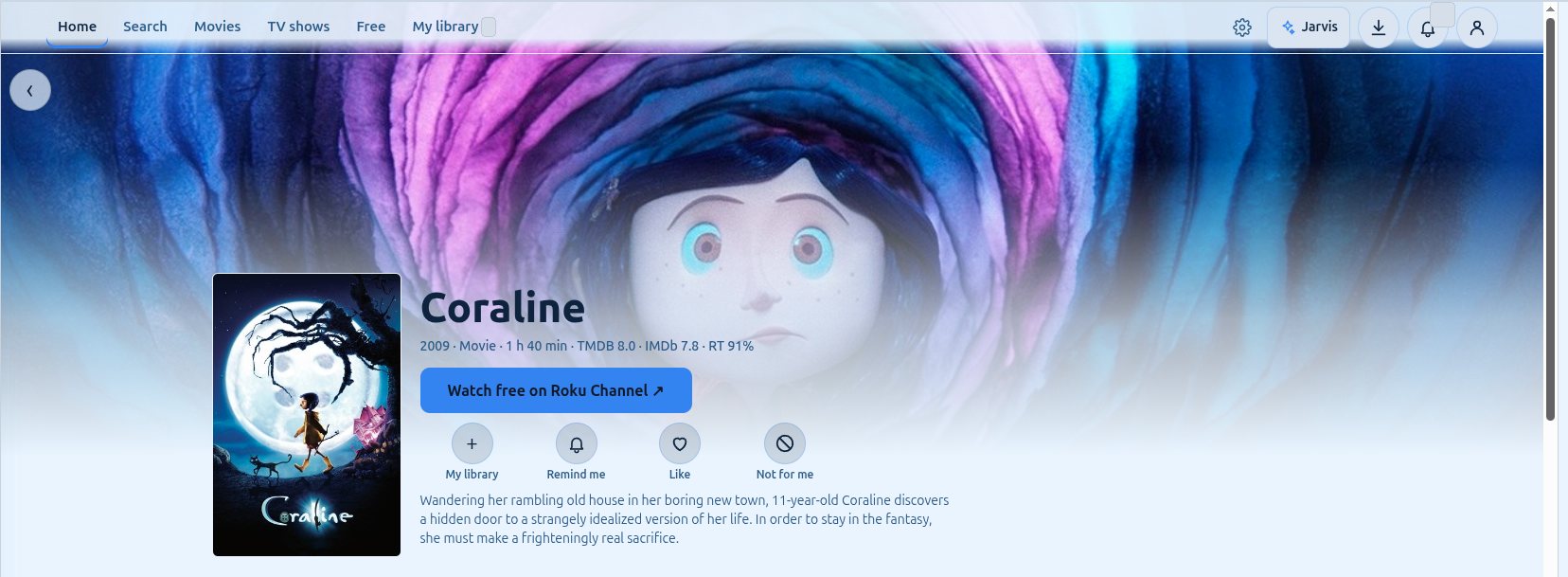
Marquee · a title page with ratings and Watch free on Roku Channel. Library and notification counts are hidden.Open full screen ↗
01
Discover titles and where to watch them.
02
Keep profiles, libraries, progress and reminders.
03
Ask Jarvis and use supported device handoffs.
Available actions depend on your connected services, applications, devices and permissions.
Look inside
The details make it useful.
01
Find your next watch.
Browse movies and shows, search by title, explore genres and trending picks, and see where a title is available. Your declared services and plans help order the options; playback stays with the provider.
02
Give everyone a place in the library.
Household profiles keep their own watchlists, ratings, episode progress and continue-watching records. Add reminders for titles, episodes and availability changes.
03
Bring your own collection.
Add your own supported files and explore public-domain and Creative Commons films, books and textbooks. Supported readers and players can keep progress by device.
04
Ask, then carry it to the right screen.
Marquee gives Jarvis tools for search, recommendations, profiles and reminders. Supported TV and provider handoffs connect the next step to your devices, with their connection and playback requirements visible.
05
An add-on with its own identity.
Marquee uses its own amber skin while integrating with the platform’s accounts, routes, tools and device connections. It is an example of how a contributor application can belong in the workspace without losing its own design.
06
Open a path for contributors.
Applications declare their screens, routes, tools, permissions and storage in a self-contained package. A separate public contributor release of Marquee is planned; repository and installation details will follow that release.
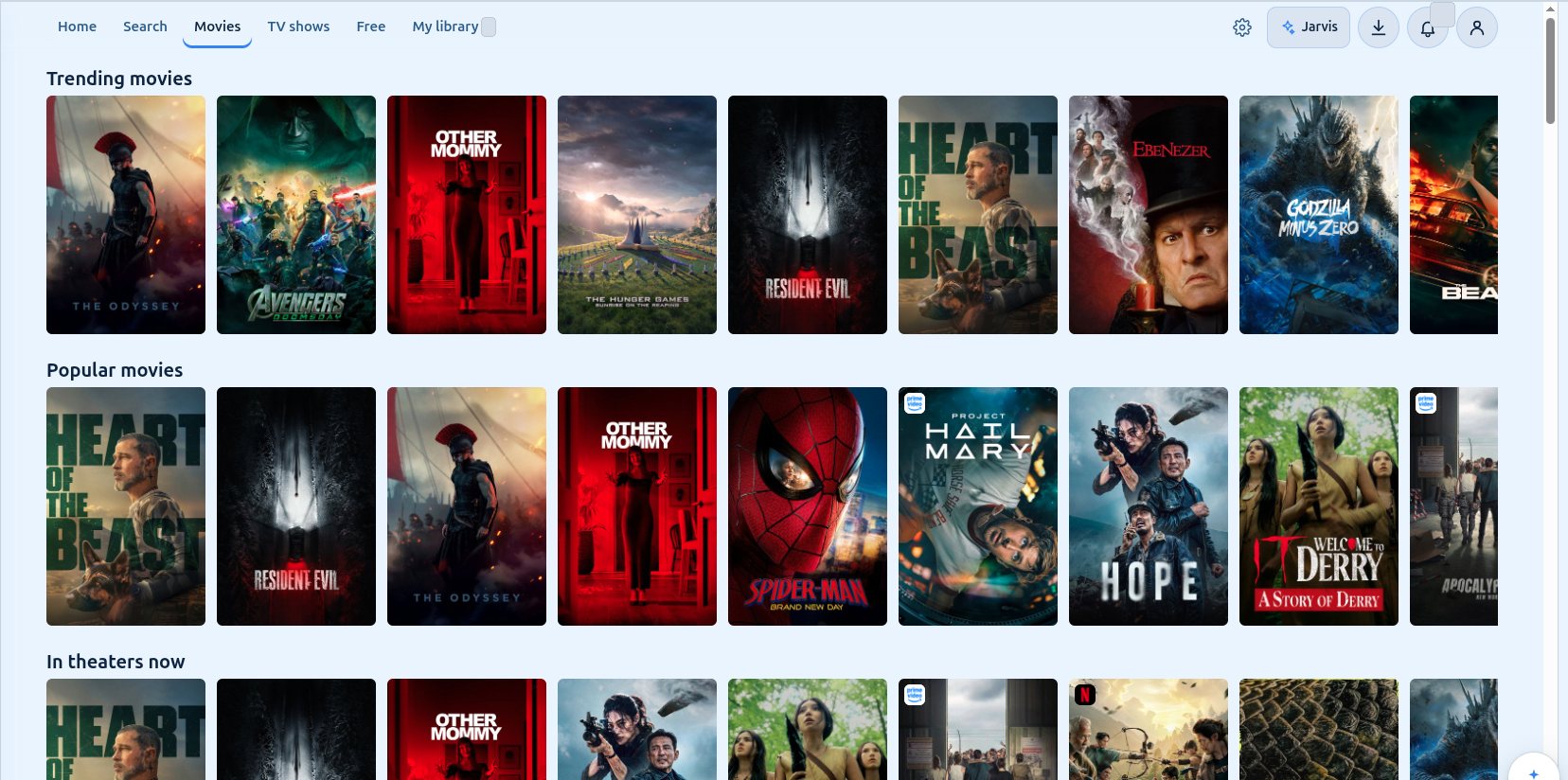
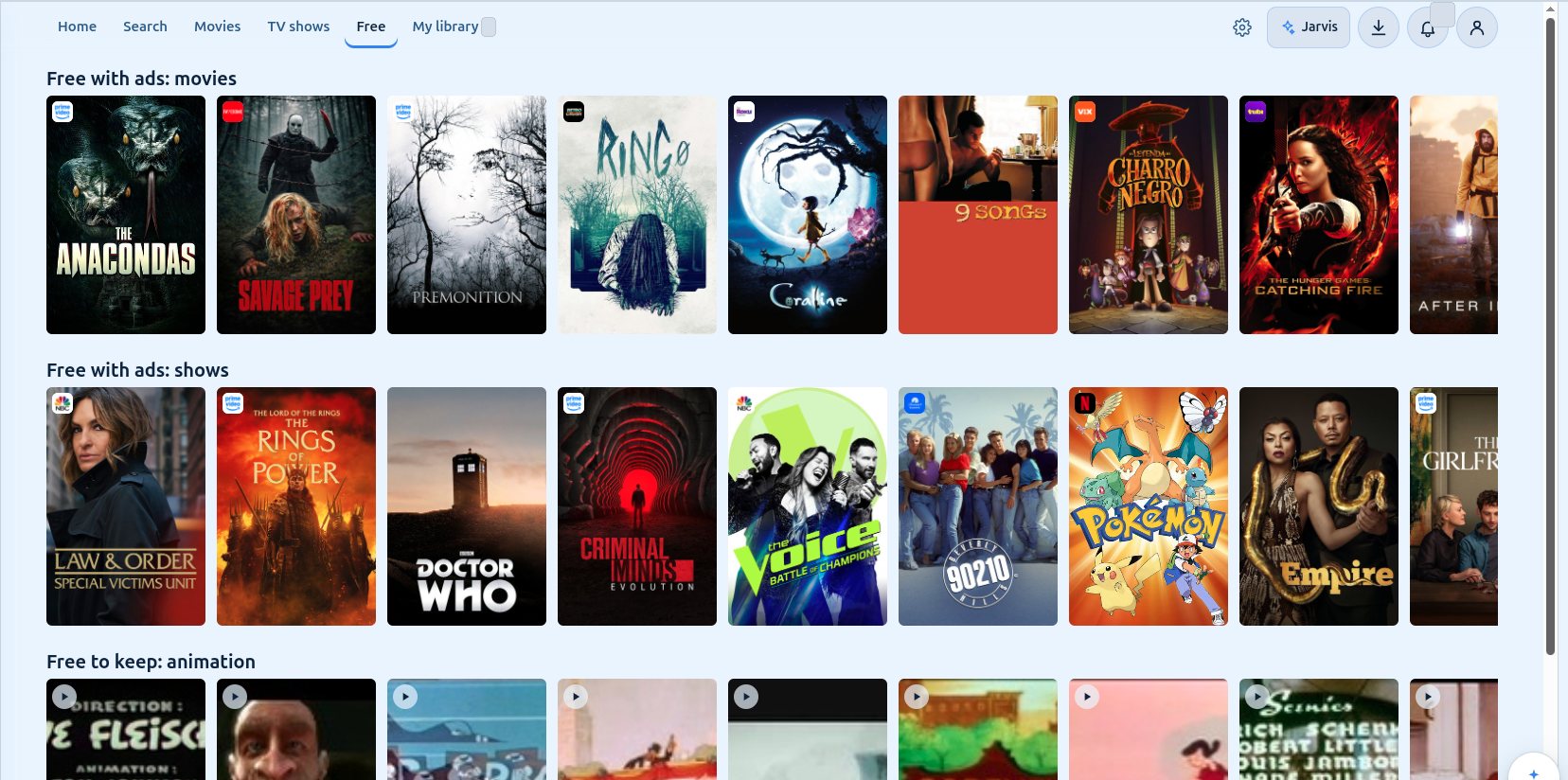
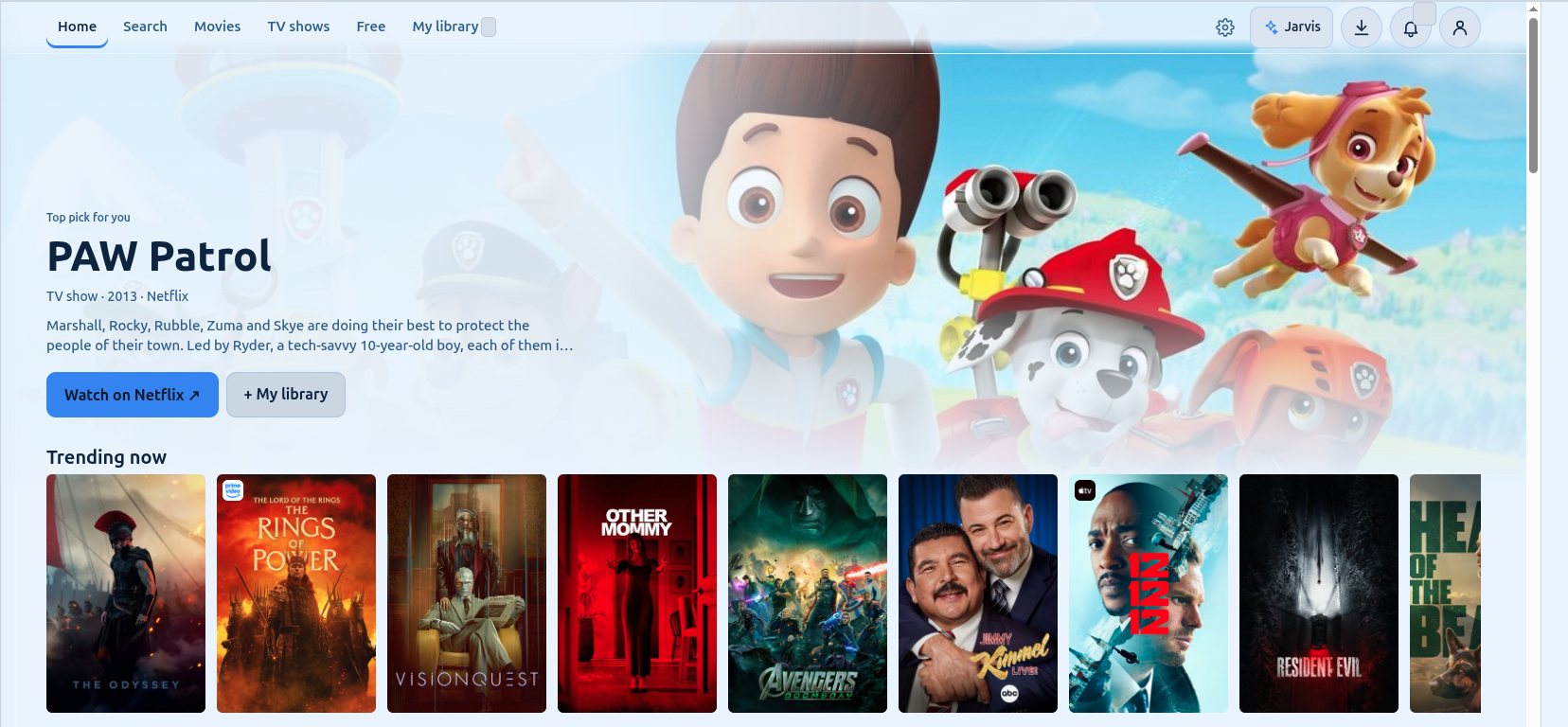
Movies · trending, popular and in theaters; library and notification counts hiddenOpen full screen ↗Free · movies and shows free with ads, and public-domain animation free to keepOpen full screen ↗Home · a top pick and trending titlesOpen full screen ↗
Skinnable. Integrated. Extensible.
Your platform. With room for other people’s ideas.
Choose a shared appearance or let applications wear their own colors. Add-ons can bring their own screens, specialist tools and connections into the same workspace.
Marquee · current interface · application-specific appearance
Meet Marquee.
A media application with its own identity: discovery, household profiles, libraries, reminders, Jarvis tools and supported playback handoffs.
Built as an integrated add-on. A public contributor release in a separate repository is planned.
Administrators can work with Jarvis on source changes, run checks and refresh applications in their own Blue session while other sessions continue in Green.
n8n workflow import is planned; it is not in the current release.
Blue · develop & check→Green · production
Review a delivery plan before promoting eligible application packages. Application packages must be committed, pushed and merged; platform deployment follows its own release path.
A request can start anywhere. The work can happen elsewhere.
Your phone does not need to run the desktop program. Your browser does not need to hold every tool. The swarm connects the right application or device to each step.
Ask from your phone, a browser or a Moon beside a document. The conversation starts with the work you have in view.
Jarvis can hand a step to an application’s concierge or delegate it to an agent on one of your enrolled devices.
Orbit reaches a bound desktop program or connected browser. A document can be edited in its own application while you are elsewhere.
Return to the conversation, inspect the changes and approve the steps that need you. The work has a record, not just an answer.
Illustration of a supported path. The available steps depend on your connected devices, applications and permissions.
The rest of your day belongs here too
The little details. The bigger picture.
Move between applications without leaving your world behind. Keep the work editable, the assistant nearby and the next step clear.