Bring in a statement, review recurring charges, track bills and plan the month. Work through the same records with the Finance analyst beside you, then continue into the separate trading workspace.
Bring statements, spending, budgets and bills into Finance.
02
Review recurring costs and price increases; plan spending and track savings goals.
03
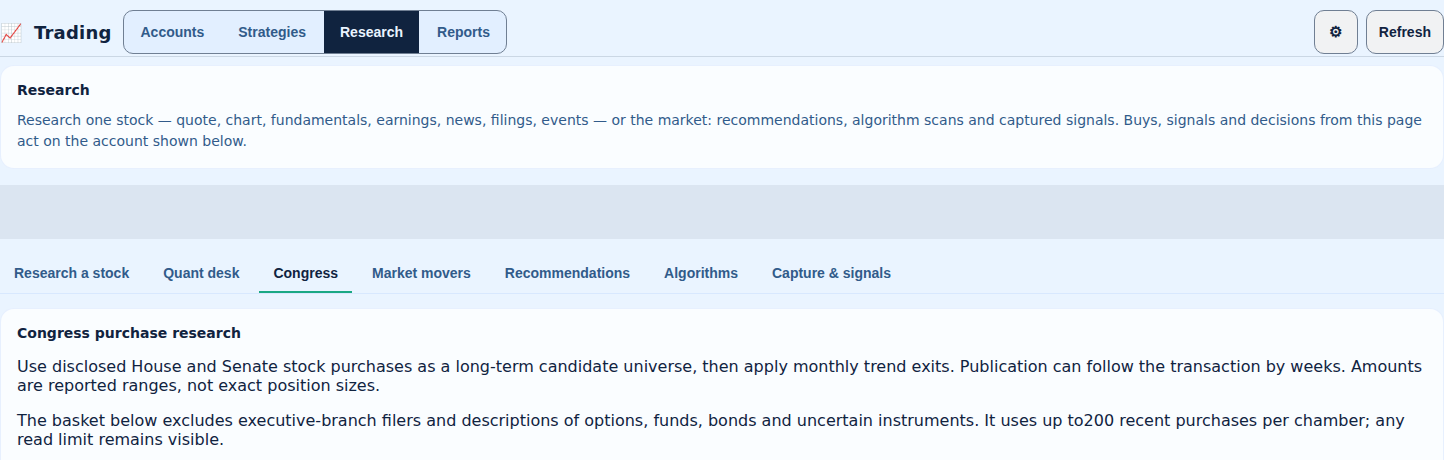
Move into Intelligent Trades for research, backtests and account activity.
Statement → Recurring payments → Bills → Monthly plan
Paper trading and backtests are simulations, not real-money results or promised returns. Supported live actions need connected accounts, approval and limits.
Look inside
The details make it useful.
01
Start with the accounts and statements you have.
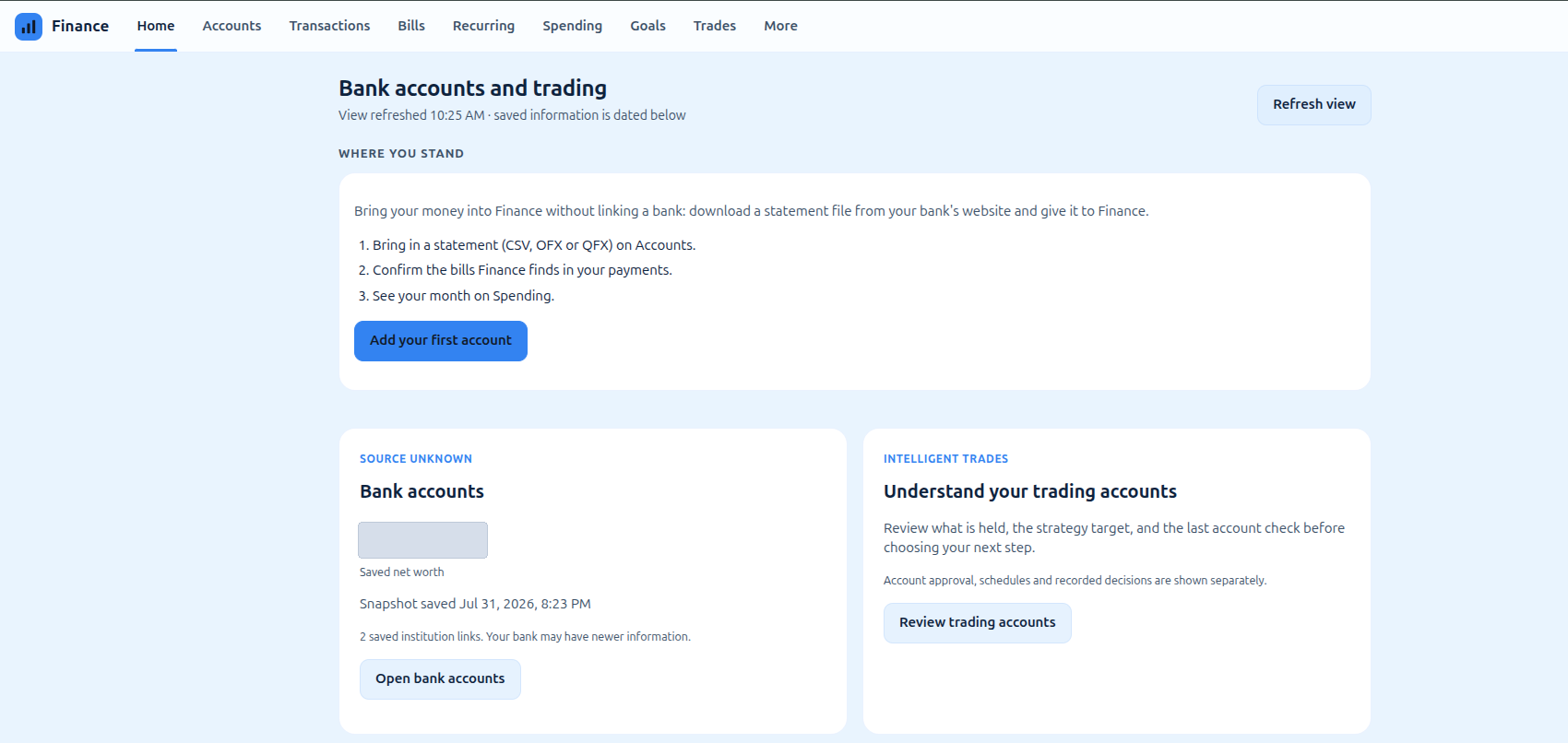
Add accounts with dated balances, import a CSV, OFX or QFX statement, or paste your transactions. Preview the rows, check duplicates and review what was added. Statement imports can be undone, and you can get started without connecting a bank.
02
See the payments that keep coming back.
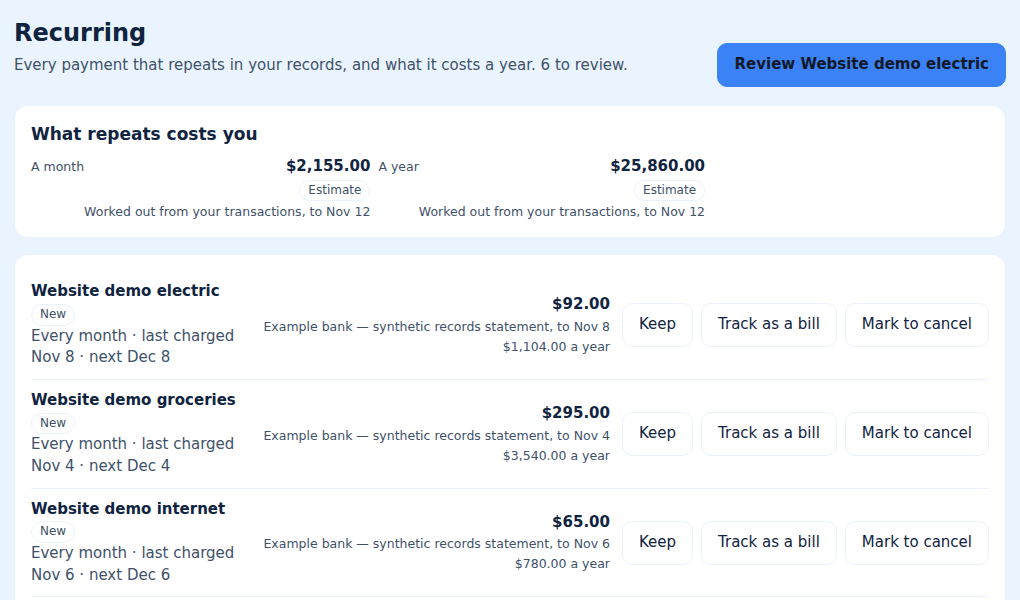
Review transactions by month, organize merchants and categories, and inspect recurring charges by payment and estimated annual cost. New subscriptions, price increases and another charge after you marked something to cancel are brought forward for attention.
03
Know which bills need attention next.
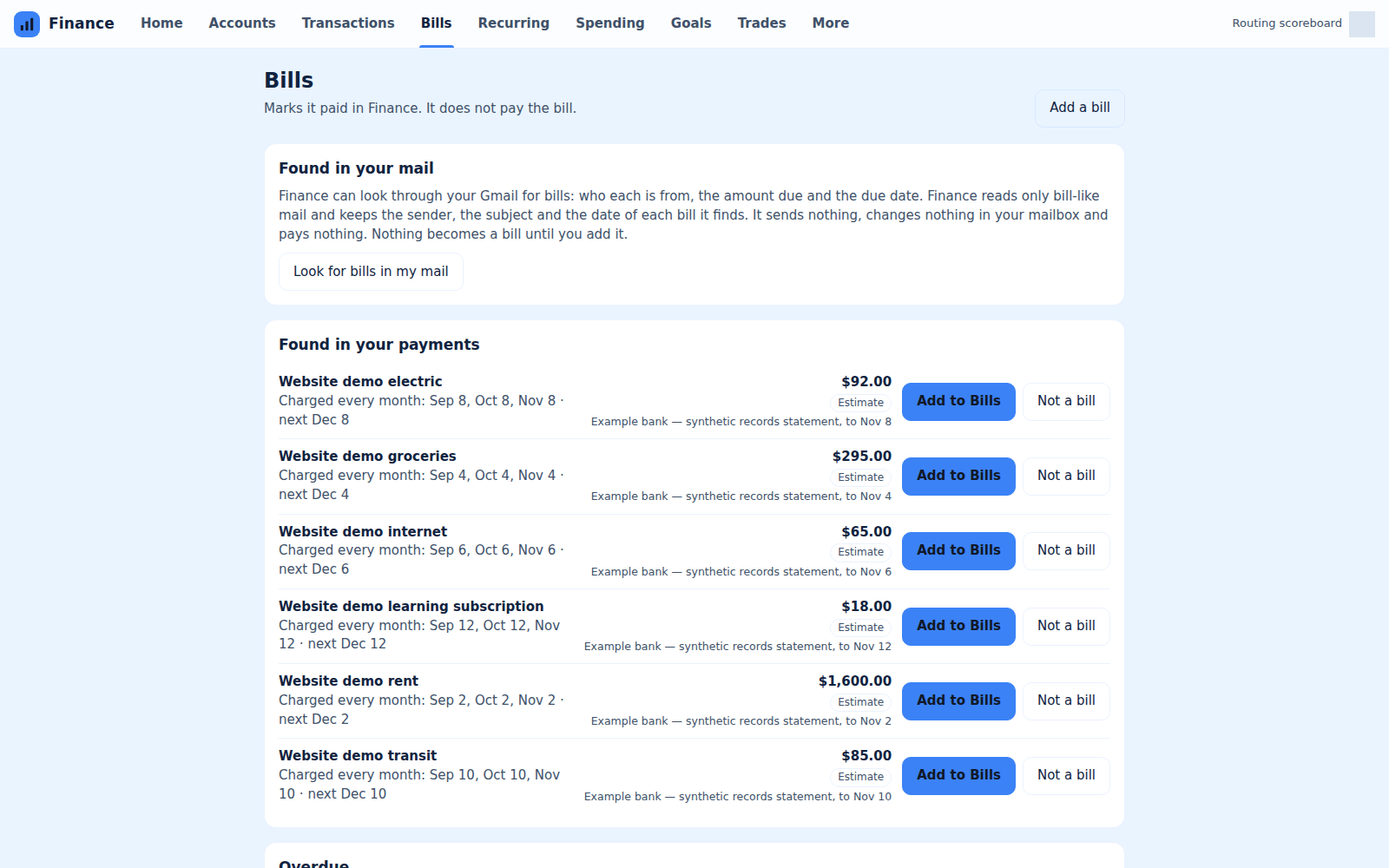
Keep overdue, upcoming and paid bills together. Turn a recurring payment into a tracked bill, or opt in to finding bill notices in connected Gmail and review each suggestion before adding it. Tracking a bill or marking it paid records your decision; paying the provider remains a separate step.
04
Give the month and your goals a clear picture.
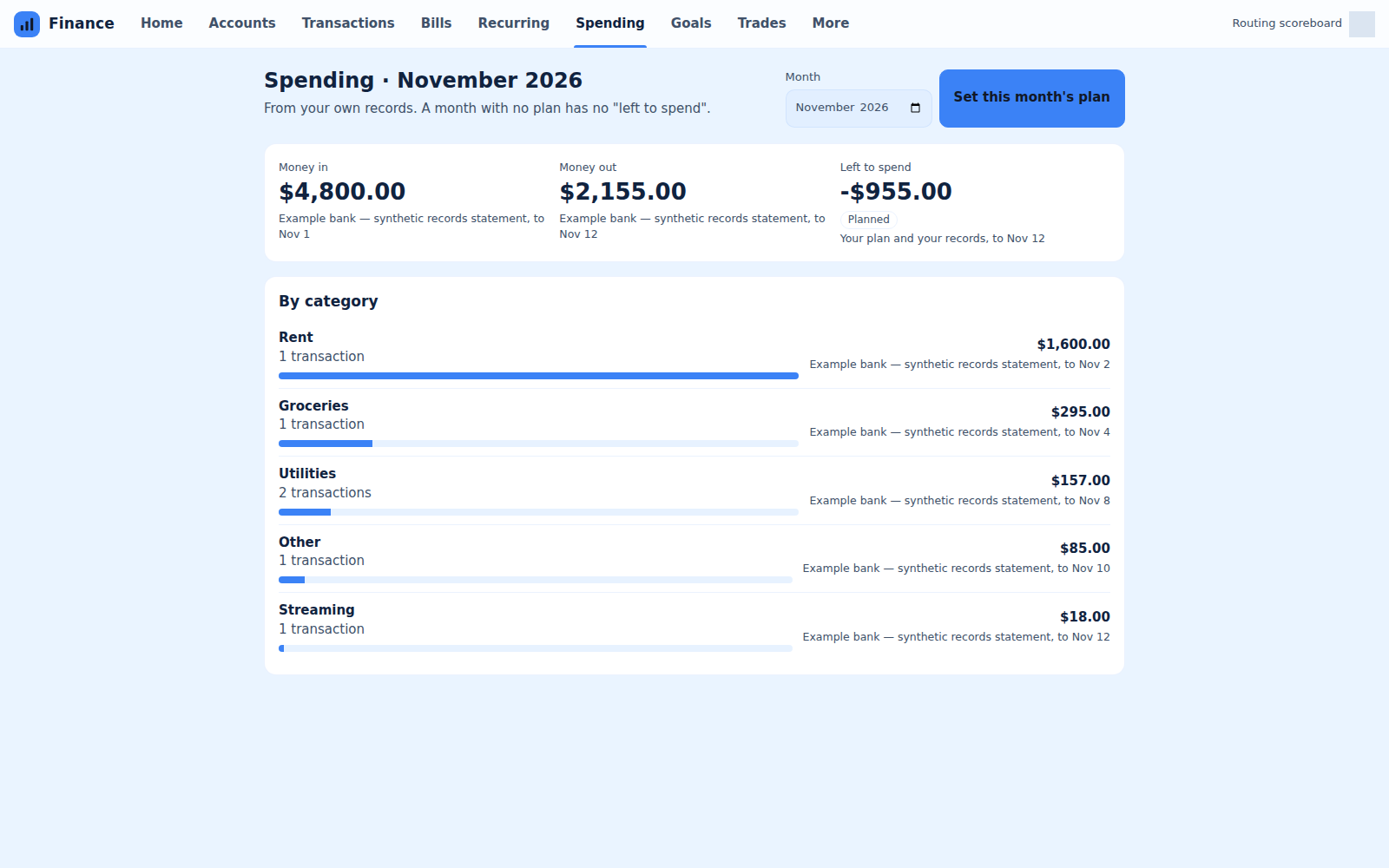
Home brings account balances, net worth, bills and transactions to review into one place. Compare monthly income and spending with your category plan, then record money set aside for a goal and follow its progress. Balance dates stay visible so you can see how current the picture is.
05
Work with an analyst beside you.
Ask about your bills, recurring payments or spending while the Finance page stays in view. The analyst works with the same records and supported actions as the application, bringing proposed changes back for your approval.
06
Give research and trading their own workspace.
Finance handles everyday accounts, spending, bills and goals. Intelligent Trades adds market research, strategy backtests and paper trading, with supported live accounts subject to their own connections, approvals and limits. Simulated results remain distinct from real account activity.
Recurring · an example household’s statement (fictional records)Open full screen ↗Spending · a monthly plan (fictional records)Open full screen ↗Bills · proposals waiting for review (fictional records)Open full screen ↗Intelligent Trades · Research; account details are not shownOpen full screen ↗
The pieces work together
A request can start anywhere. The work can happen elsewhere.
Your phone does not need to run the desktop program. Your browser does not need to hold every tool. The swarm connects the right application or device to each step.
Ask from your phone, a browser or a Moon beside a document. The conversation starts with the work you have in view.
Jarvis can hand a step to an application’s concierge or delegate it to an agent on one of your enrolled devices.
Orbit reaches a bound desktop program or connected browser. A document can be edited in its own application while you are elsewhere.
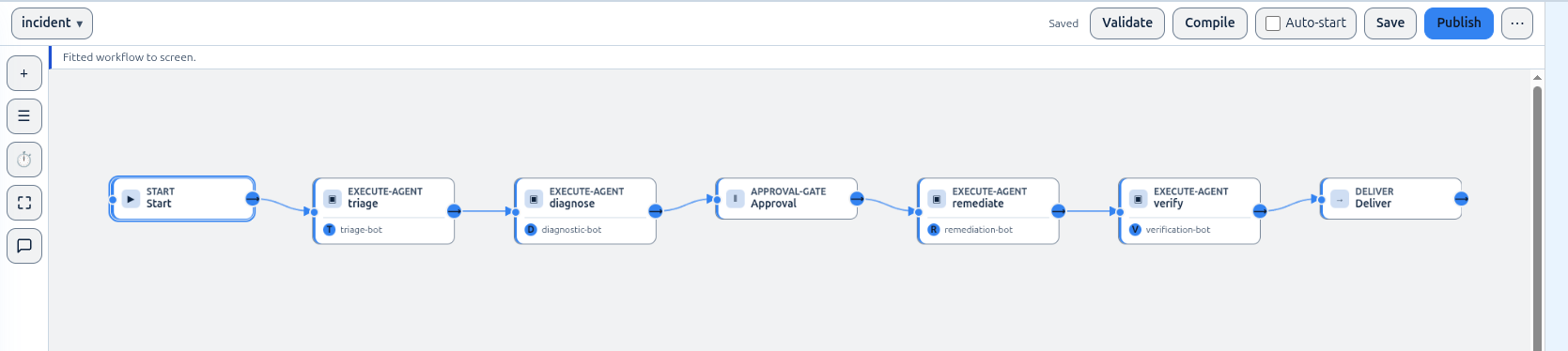
Return to the conversation, inspect the changes and approve the steps that need you. The work has a record, not just an answer.
Illustration of a supported path. The available steps depend on your connected devices, applications and permissions.
The rest of your day belongs here too
The little details. The bigger picture.
Move between applications without leaving your world behind. Keep the work editable, the assistant nearby and the next step clear.