Bring classes, lectures, textbooks and deadlines into one learning workspace. Turn material into notes, slides and practice, learn with the monsters, and keep your tutor and progress close.
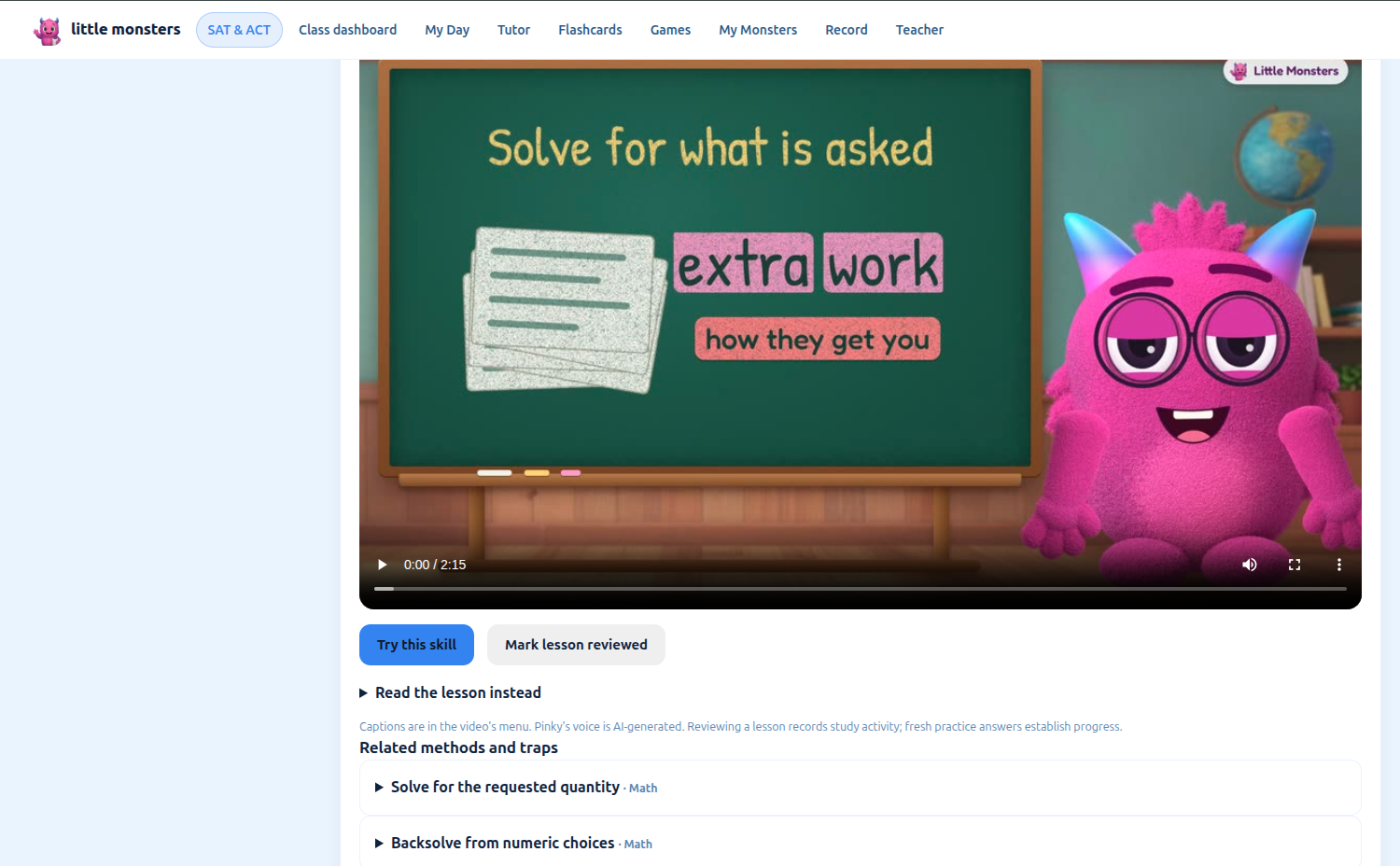
Little Monsters · a lesson taught by Pinky, with a transcript and a skill to try (paused at the start)Open full screen ↗
01
Keep classes, lectures, assignments and materials together.
02
Build study guides, flashcards and quizzes from the material.
03
Explore monster-taught curriculum lessons, SAT/ACT practice and saved tutor conversations.
Class material → Study tools → Tutor → Practice & progress
Classroom roles govern sharing. Recording and AI tools depend on configured services; practice does not predict an official score or promise a grade.
Look inside
The details make it useful.
01
Start with the school day.
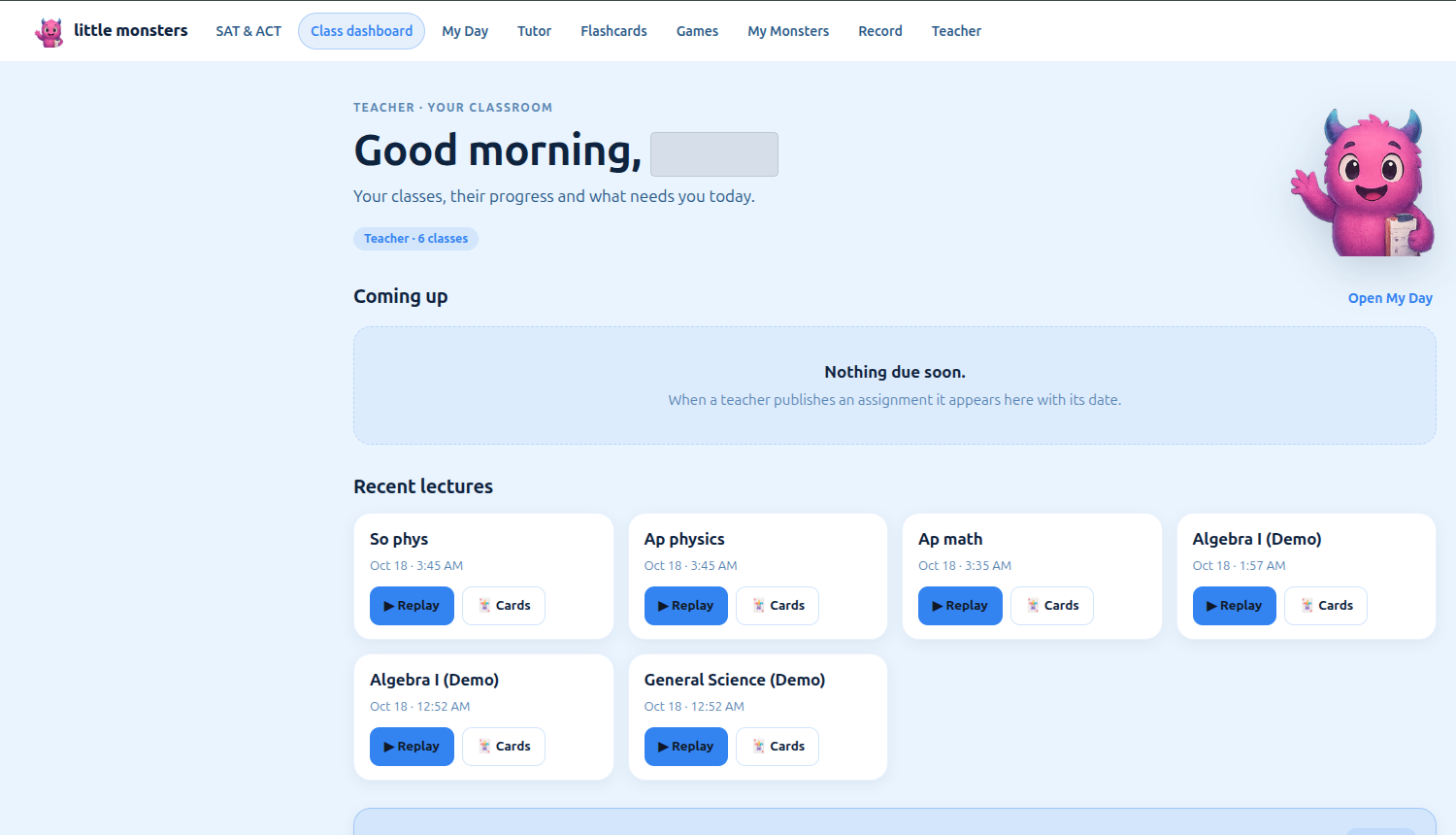
Classes, deadlines, personal reminders and study sessions come together in My Day. Open a class to return to its assignments, recordings and materials.
02
Turn a lecture into something you can use.
Record or upload a lecture, then work with its transcript, notes, slides, flashcards and quizzes. Keep the resulting study artifacts with the class and revisit them with the tutor.
03
Learn with the monsters.
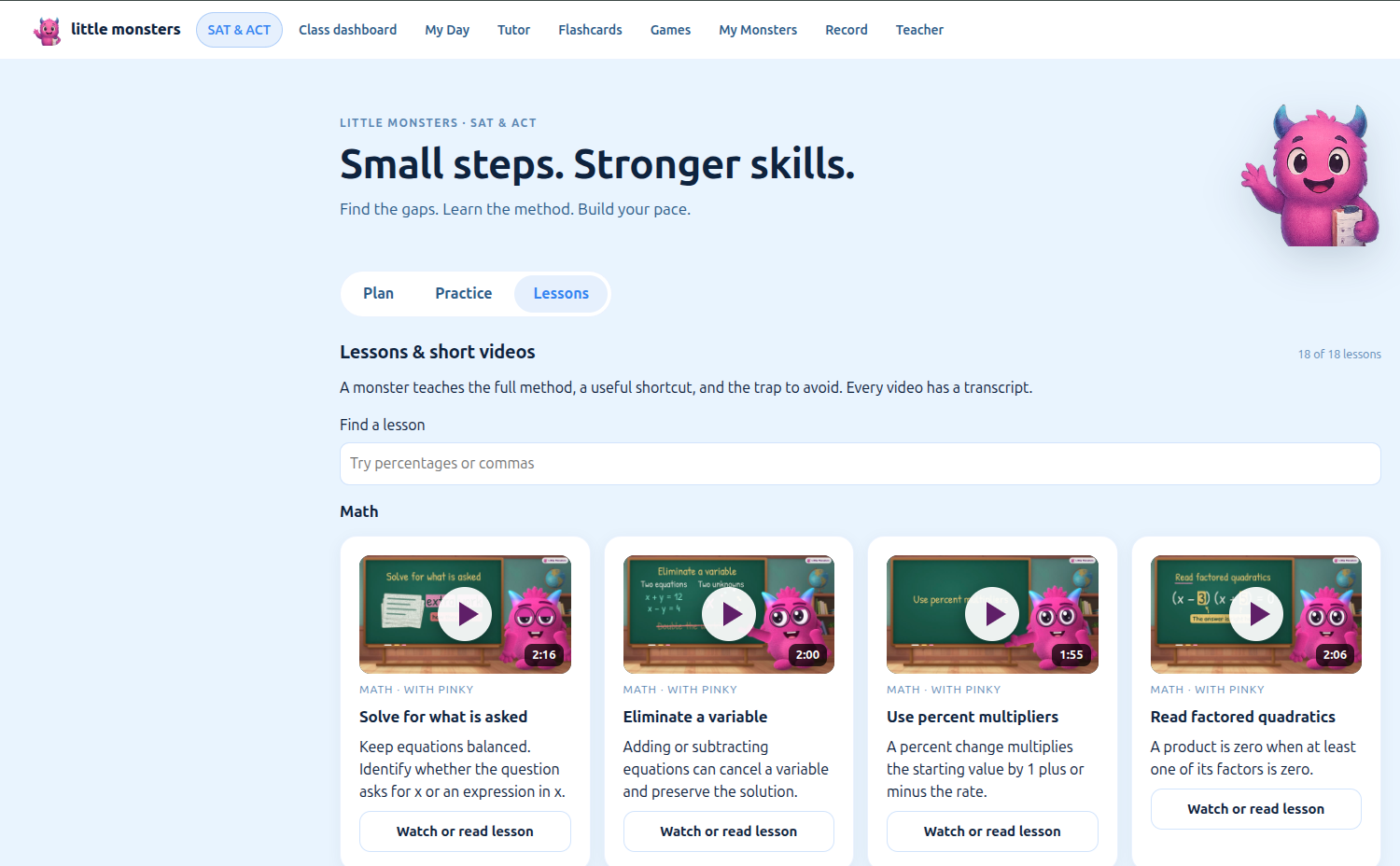
Explore captioned video lessons in biology, chemistry, engineering, mathematics, physics, literature and everyday science. Search a topic and choose among the explanation levels available for it.
04
Practice with a purpose.
SAT and ACT diagnostics, timed practice, confidence flags and mistake reflections help you choose the next session. The coach can prepare a study pack from your recorded progress; you start the practice clock.
05
Keep your tools and your progress.
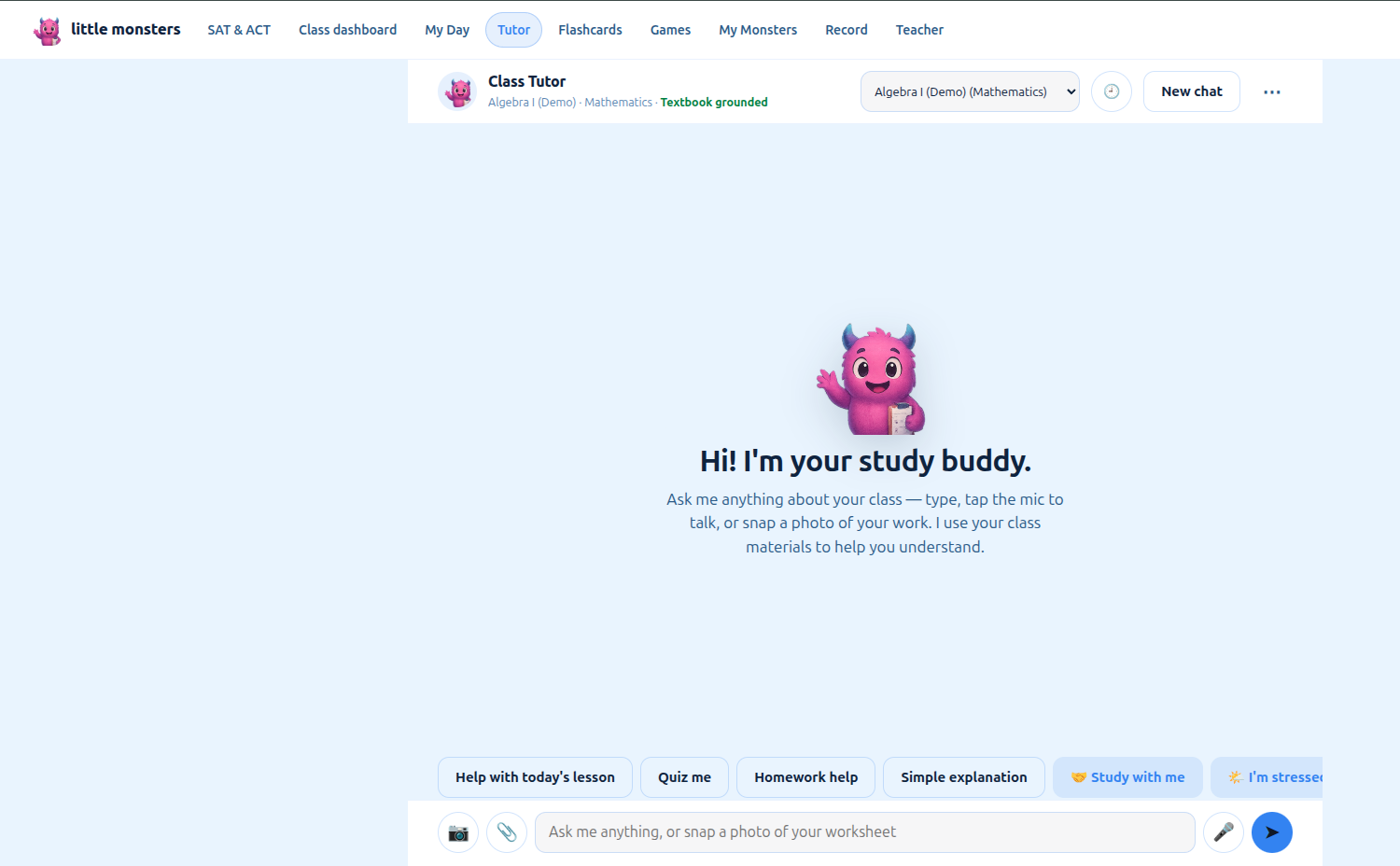
Saved tutor conversations, editable flashcards, textbook chapters, citations, timelines and STEM helpers support the work between tests. Learners can invite a guardian to a read-only progress summary and remove the link.
06
Bring the classroom together.
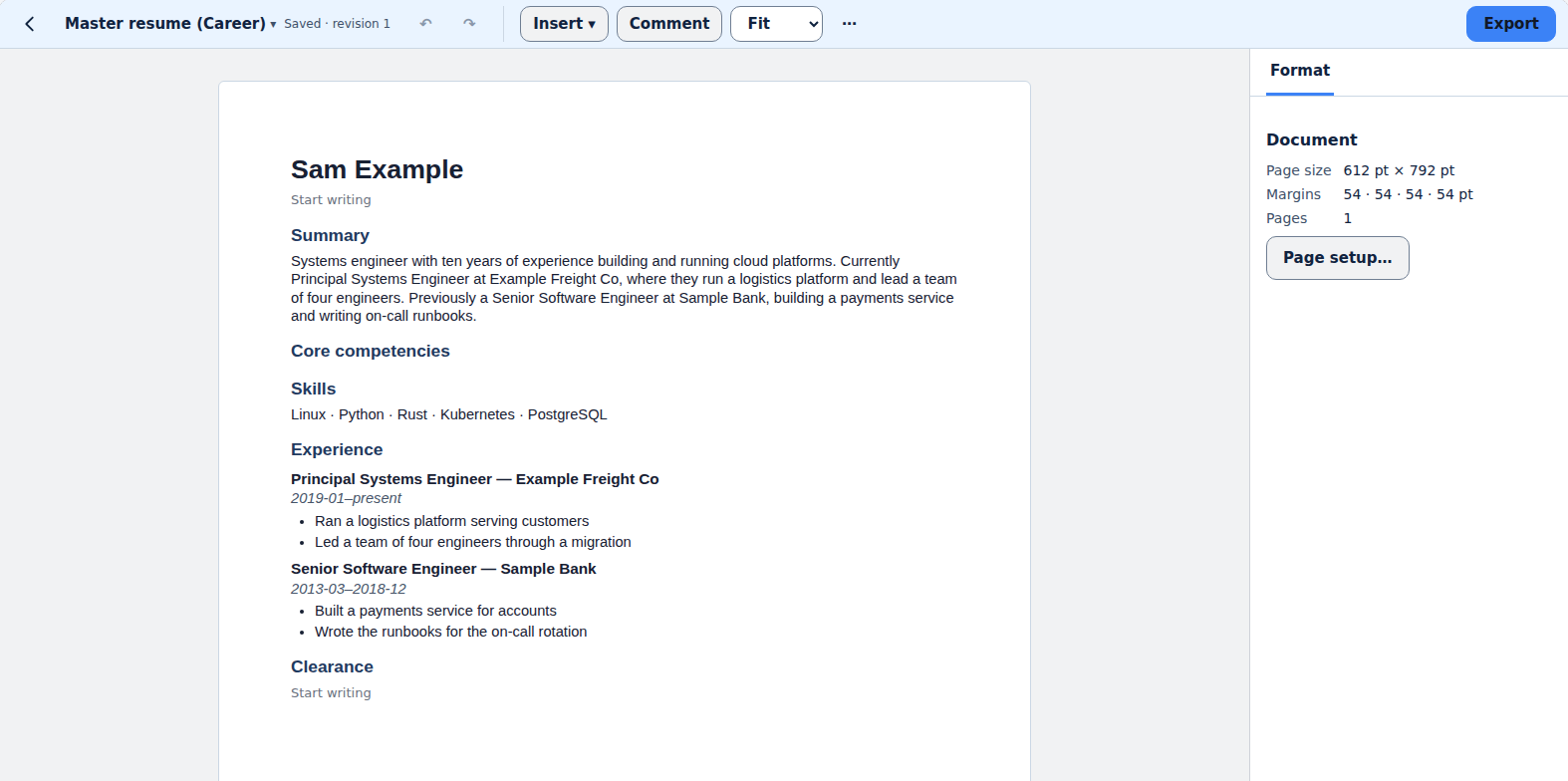
Classroom combines Little Monsters with AI Office, Circuit Lab and personal email. School roles and class relationships govern the shared work; private study stays with its learner.
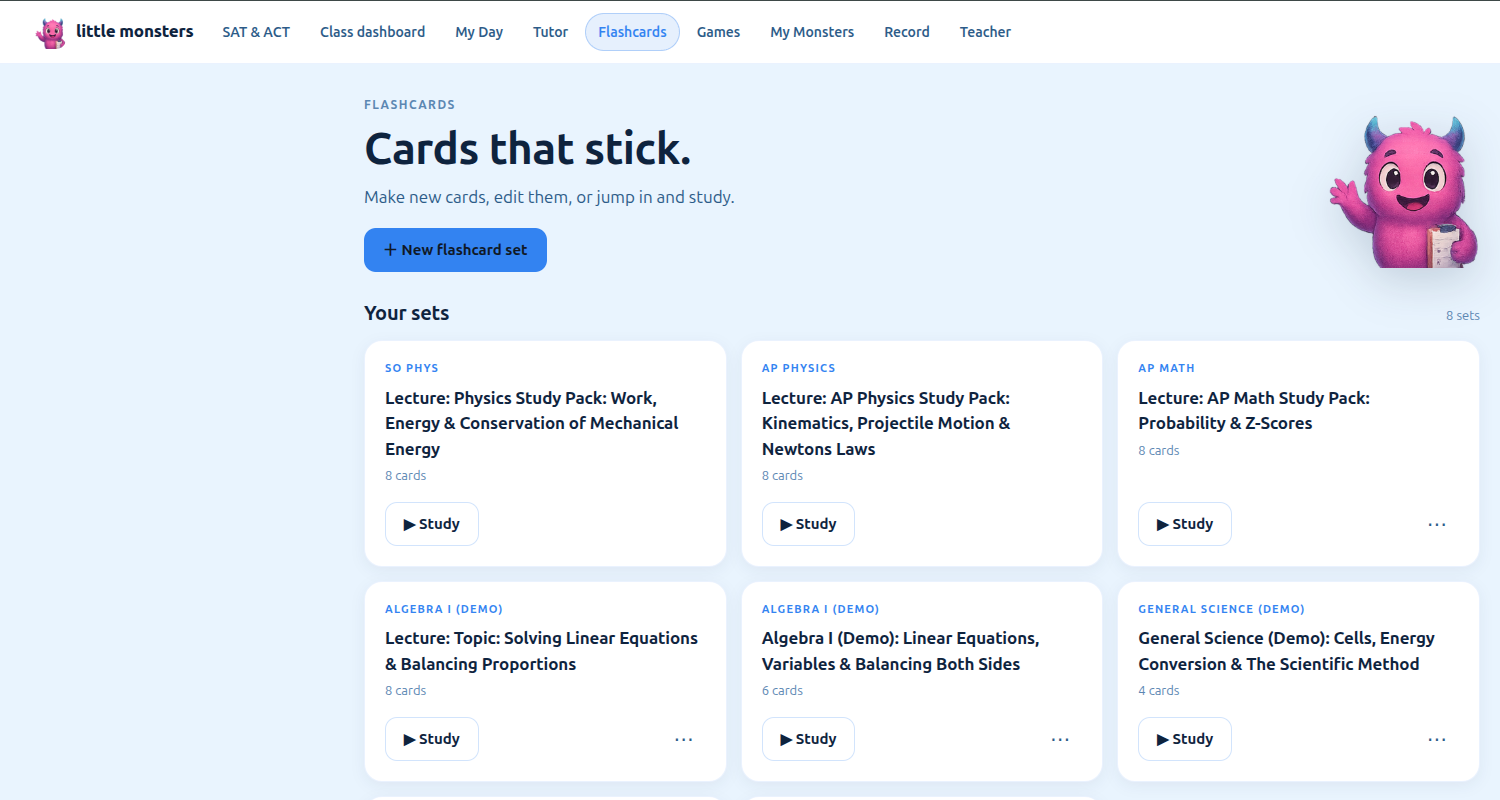
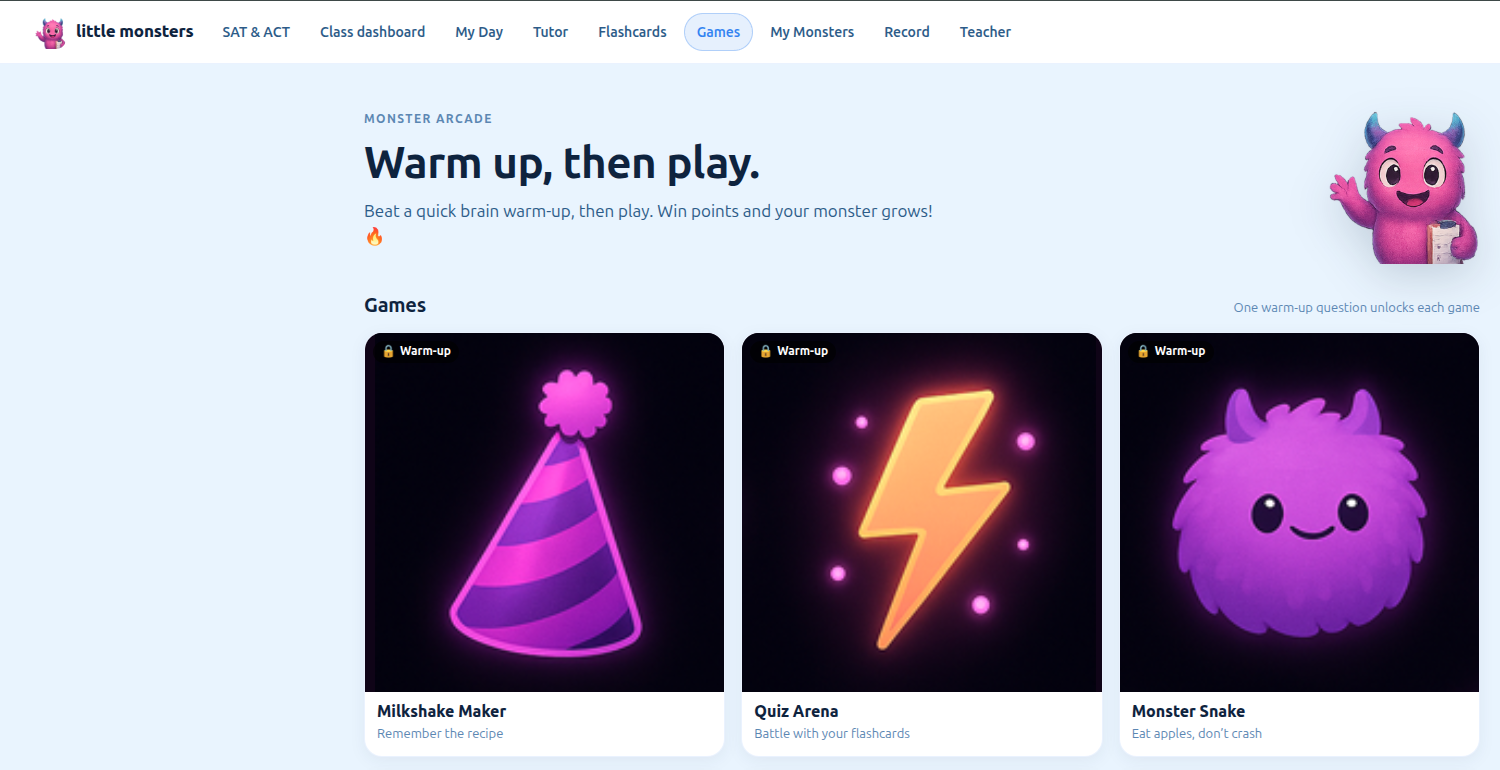
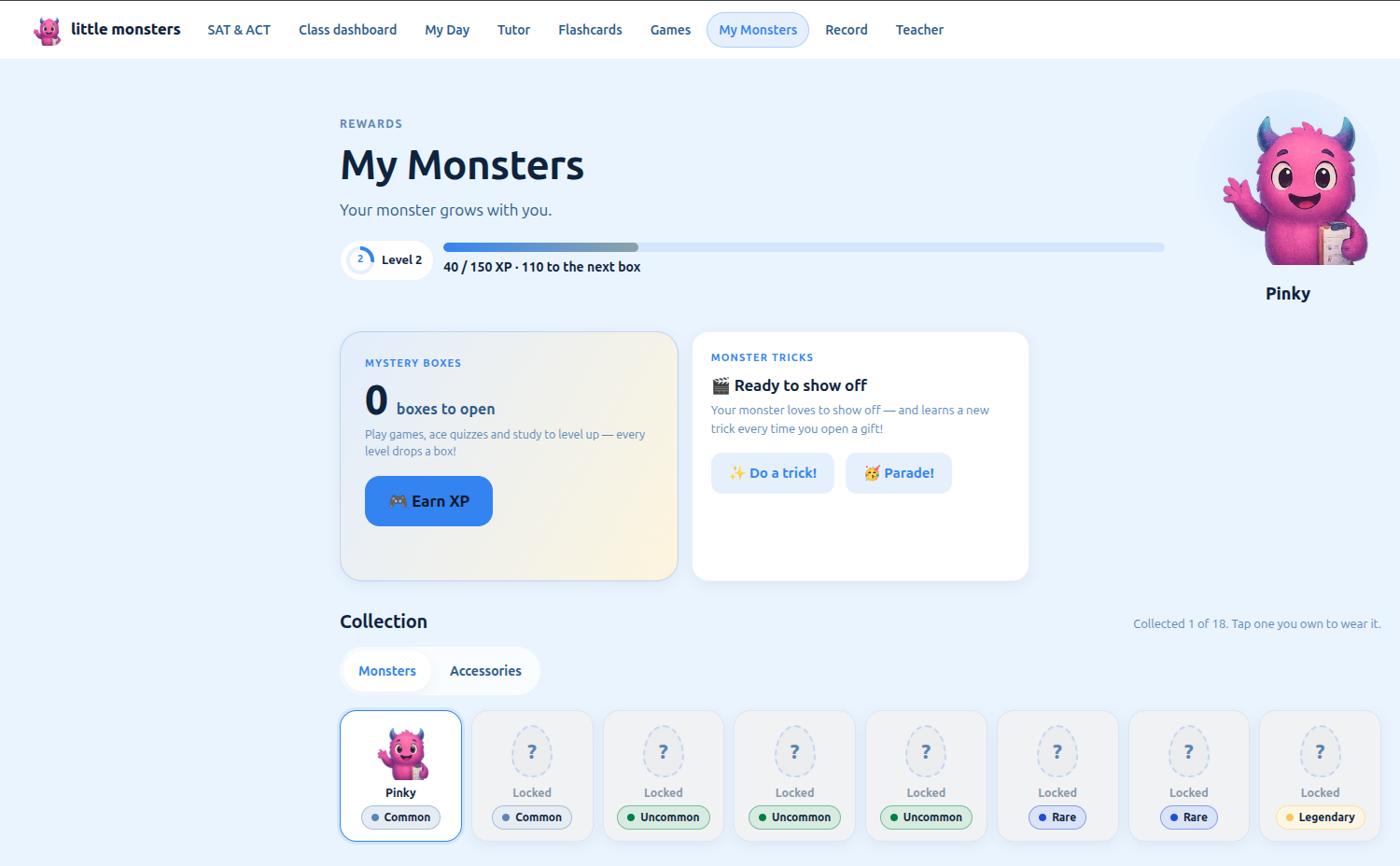
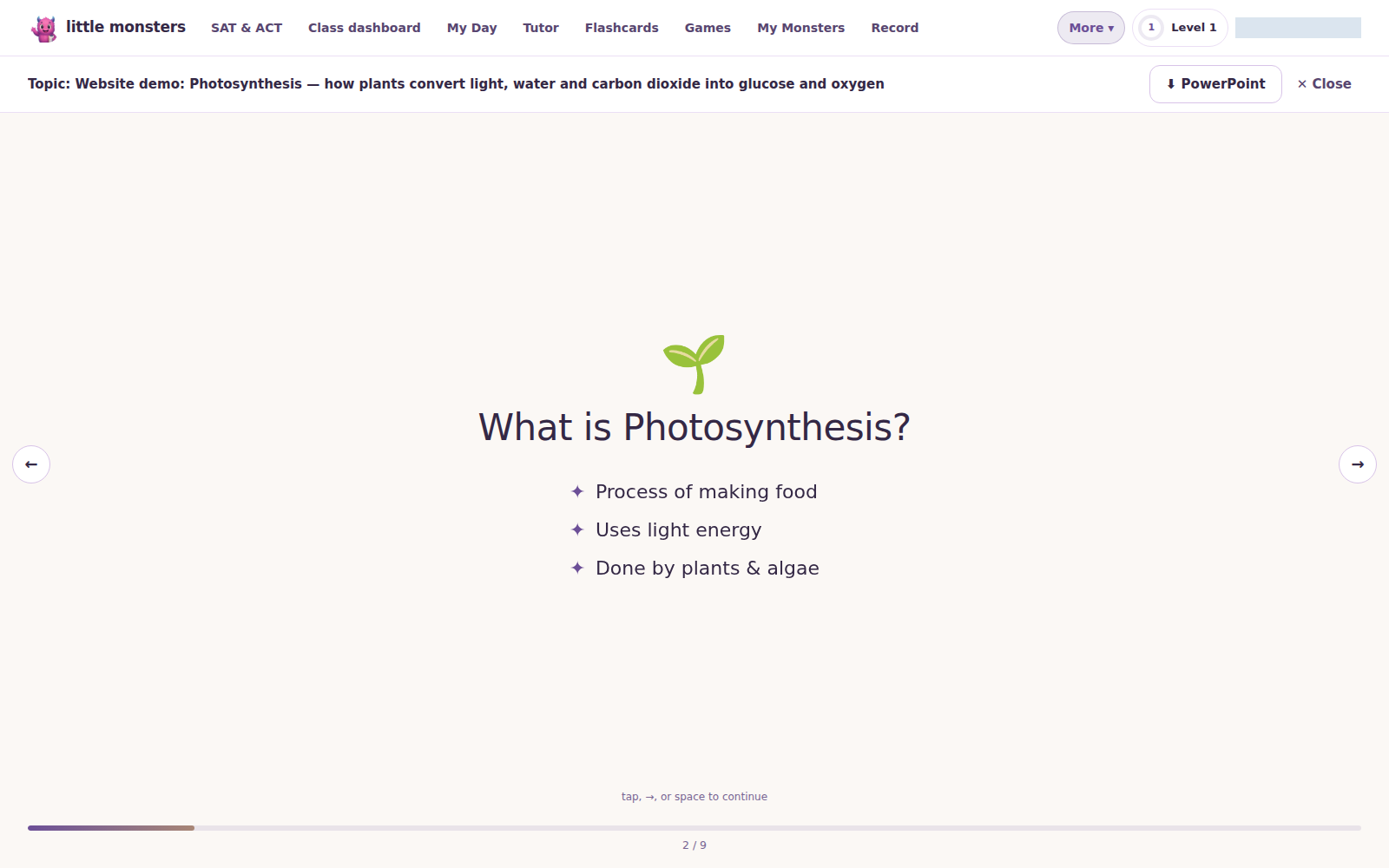
SAT & ACT lessons · short monster-taught videos, each with a transcriptOpen full screen ↗Class dashboard (teacher) · recent lectures to replay, with cards; the name is hiddenOpen full screen ↗Class Tutor · grounded in the class textbookOpen full screen ↗Flashcards · study sets made from lecturesOpen full screen ↗Monster Arcade · a warm-up question unlocks each gameOpen full screen ↗My Monsters · levels, mystery boxes and the collectionOpen full screen ↗Generated study deck · synthetic Biology demo class, saved and reopenedOpen full screen ↗
The pieces work together
A request can start anywhere. The work can happen elsewhere.
Your phone does not need to run the desktop program. Your browser does not need to hold every tool. The swarm connects the right application or device to each step.
Ask from your phone, a browser or a Moon beside a document. The conversation starts with the work you have in view.
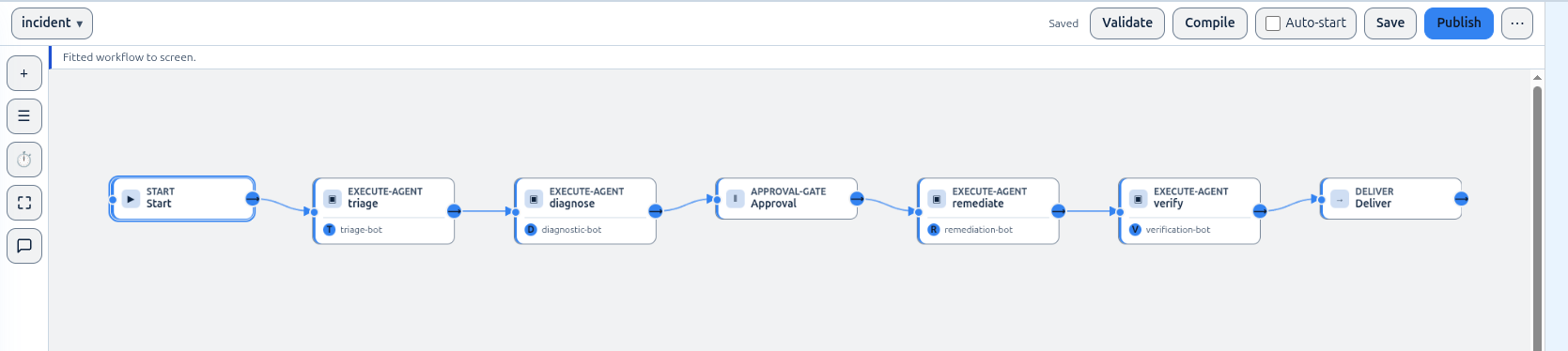
Jarvis can hand a step to an application’s concierge or delegate it to an agent on one of your enrolled devices.
Orbit reaches a bound desktop program or connected browser. A document can be edited in its own application while you are elsewhere.
Return to the conversation, inspect the changes and approve the steps that need you. The work has a record, not just an answer.
Illustration of a supported path. The available steps depend on your connected devices, applications and permissions.
The rest of your day belongs here too
The little details. The bigger picture.
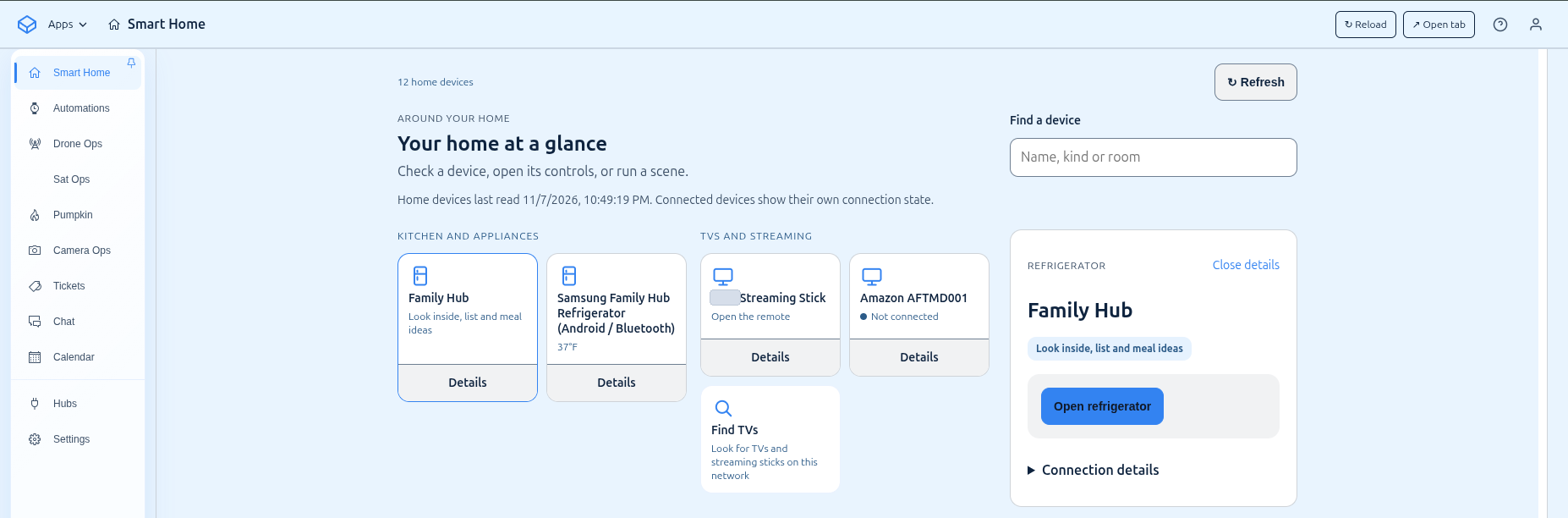
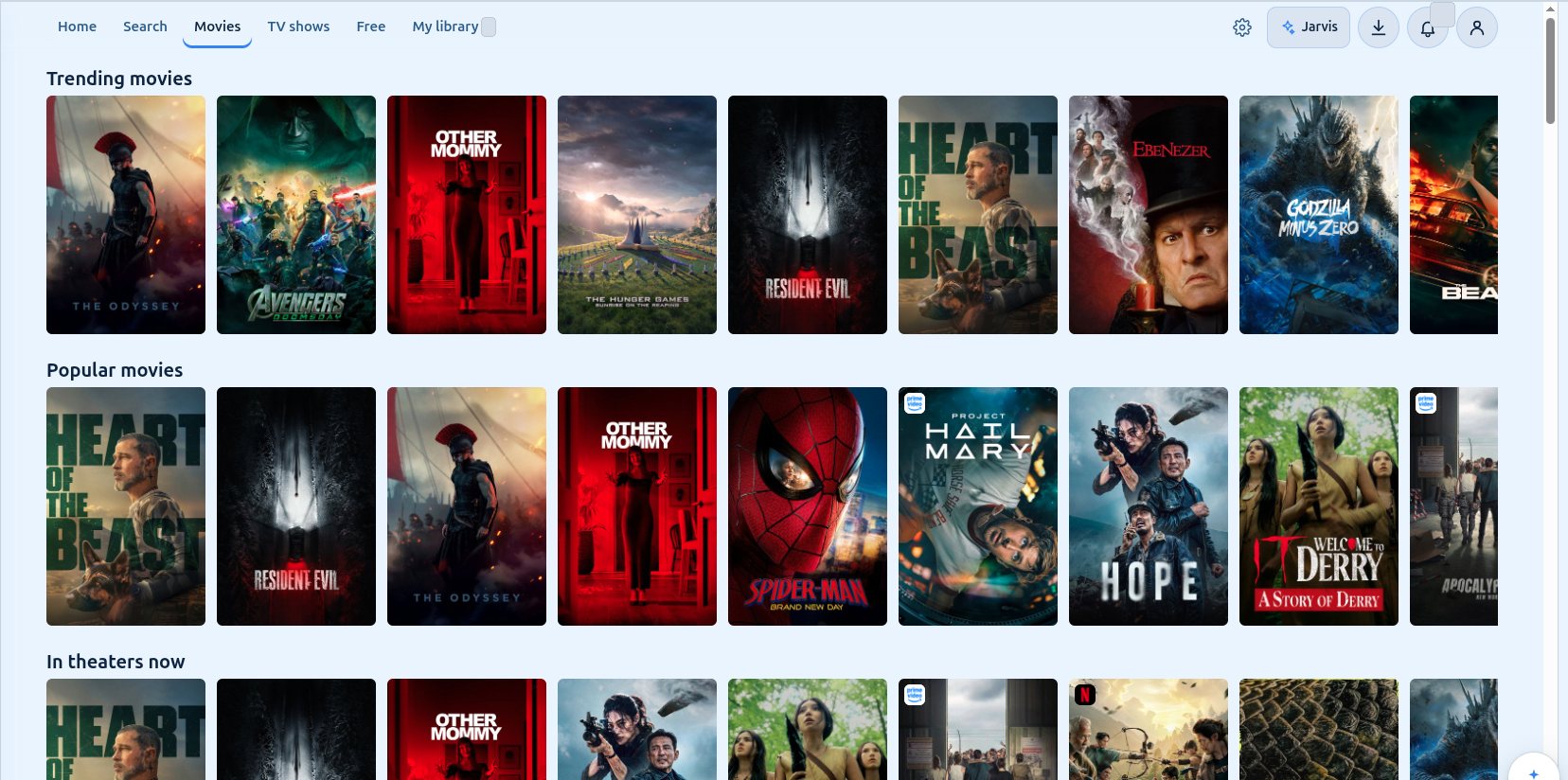
Move between applications without leaving your world behind. Keep the work editable, the assistant nearby and the next step clear.